
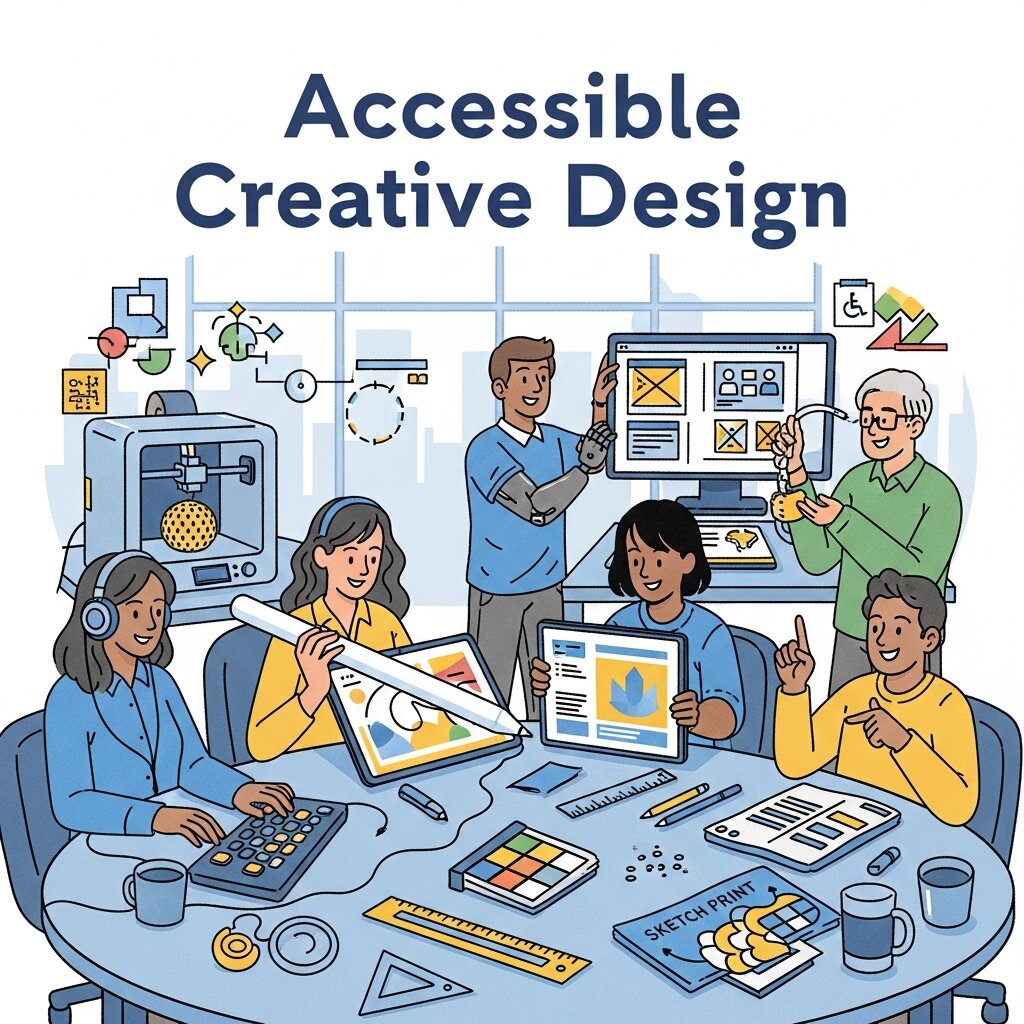
In today’s interconnected world, meeting the diverse needs of users isn’t optional—it’s a necessity. Inclusive design sits at the heart of this approach, enabling creators to produce digital experiences that resonate with individuals of all abilities and backgrounds.
As organizations strive to stand out in today’s digital landscape, accessible and equitable interfaces are no longer afterthoughts but strategic priorities. By embedding accessibility from the outset, teams not only comply with legal frameworks but also cultivate brand loyalty and trust. This year (2026), the emphasis on inclusivity has strengthened across industries, underscoring the importance of universal principles that guide designers toward solutions that are both innovative and reachable.
Why Accessibility Shapes Creative Success
 Approximately one billion people worldwide live with disabilities that affect vision, hearing, motor skills, or cognition. When creative assets—ranging from websites and infographics to presentations and video content—ignore these realities, a significant audience segment is instantly excluded. Embracing inclusive design remedies this oversight by crafting materials that empower every user to engage fully with your message.
Beyond the moral imperative to provide equal access, accessible creative work yields tangible benefits. A broader audience means higher engagement: people with disabilities and their families constitute a sizable consumer group whose preferences influence billions in spending power. Additionally, brands earn goodwill and positive perceptions when they demonstrate social responsibility through accessible content. Customers often reward companies that make inclusion a priority with long-term loyalty.
Legal mandates also drive the adoption of accessibility standards. Laws such as the Americans with Disabilities Act (ADA) and international guidelines from the World Wide Web Consortium’s Web Content Accessibility Guidelines (WCAG) establish benchmarks for compliance. Falling short of these requirements can result in costly litigation, reputational harm, and lost opportunities. In contrast, aligning creative projects with standards like WCAG 2.1 AA not only ensures compliance but also elevates overall design quality.
Ultimately, weaving accessibility into your creative strategy is a win-win. You extend your reach, fortify your brand, and gain a competitive edge in crowded markets. As the emphasis on inclusion continues to rise this year (2026), now is the ideal time to refine your design workflow and prioritize every user’s experience.
Foundational Principles for Inclusive Design
Effective inclusive design adheres to four core principles that align with well-established accessibility frameworks. These pillars form a guidepost for designers seeking to build experiences that are perceivable, operable, understandable, and robust.
Perceivable content ensures information is presented in ways that users can detect. For visual materials, provide descriptive alternative text for images, clear captions on videos, and color palettes with sufficient contrast ratios. Audio content should include synchronized captions and transcripts, while any non-text element should have an accessible equivalent.
Operable designs accommodate diverse input methods. Interactive components such as buttons, menus, and form fields must be navigable via keyboard, touchscreens, and assistive devices. Implement logical tab ordering and visible focus indicators to help users track their position. Refrain from time-sensitive interactions that may disadvantage those with slower response times or cognitive challenges.
Understandable interfaces rely on clear language, consistency, and predictability. Use straightforward terminology, avoid jargon, and maintain a uniform layout across pages and screens. Headings should reflect a logical hierarchy, and icons must communicate intent unambiguously. Consistent patterns reduce cognitive load and help users form accurate mental models.
Robust content remains functional across devices, platforms, and assistive technologies. Regularly test designs with screen readers like NVDA, JAWS, or VoiceOver and across multiple browsers and mobile operating systems. Adhering to semantic HTML and ARIA landmarks further ensures compatibility with future technologies and evolving user agents.
Actionable Tactics for Accessible Creative Assets
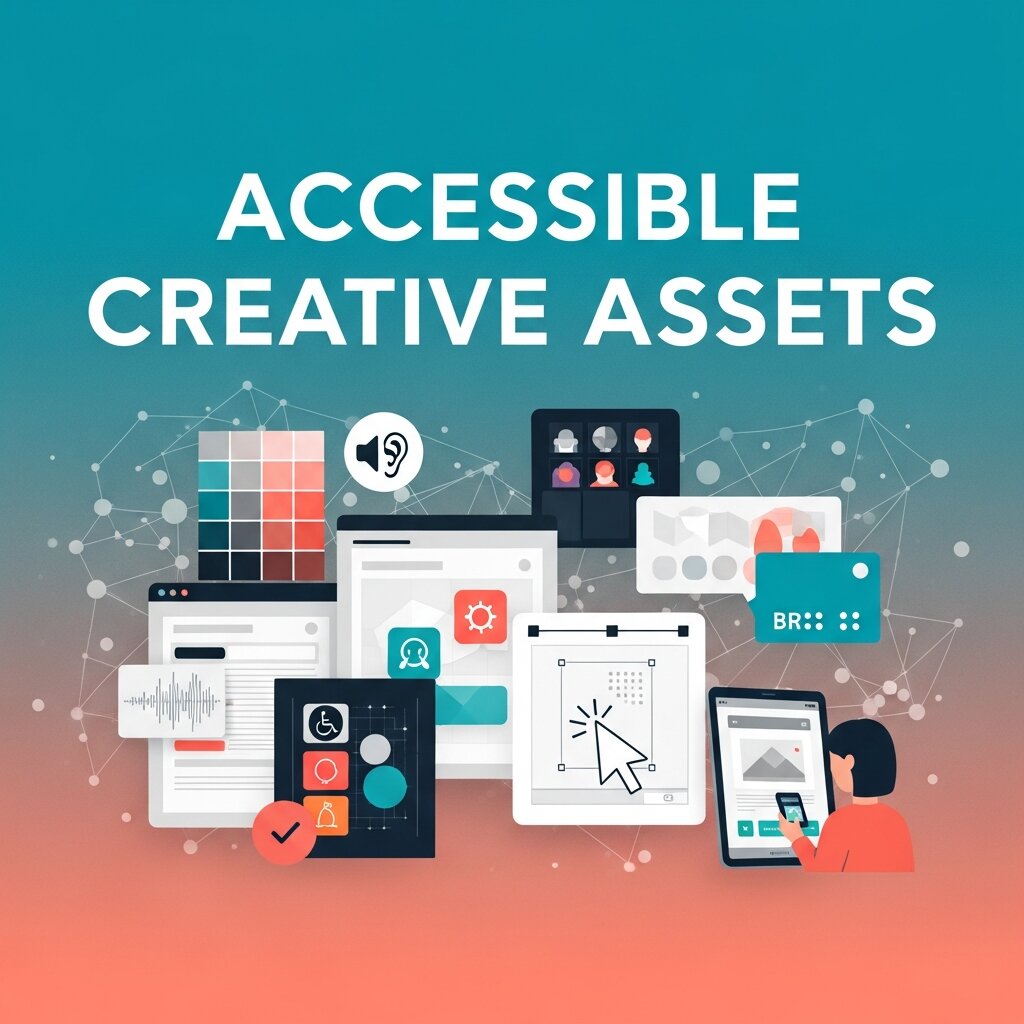 Translating principles into practice calls for targeted strategies throughout the design lifecycle. Below are six tactics to integrate inclusive design seamlessly into your creative process.
1. Select Accessible Color Schemes
High contrast between text and background is vital for users with low vision and color vision deficiencies. Tools such as the Accessible Color Palette Generator and the WebAIM Contrast Checker help you verify compliance with WCAG thresholds. Aim for at least a 4.5:1 ratio for normal text and 3:1 for large or critical UI elements.
2. Craft Meaningful Alt Text
Alternative text should convey the purpose and context of images for screen reader users. Instead of referencing file names, describe what is happening and why it matters. For example, “Diverse design team collaborating on wireframes around a table” is more helpful than “image.png.” Keep descriptions concise but informative, emphasizing content relevance.
3. Guarantee Keyboard Accessibility
Many individuals rely exclusively on keyboards or adaptive switches. Ensure that all interactive elements—forms, sliders, modals, and menus—can receive focus and be operated with key commands alone. Use tabindex wisely to preserve a logical navigation order and incorporate clear visual cues, such as outlines or highlights, to indicate active elements.
4. Provide Transcripts and Captions
Audio and video content should be accompanied by synchronized captions and downloadable transcripts. Captions benefit deaf and hard-of-hearing viewers, while transcripts improve search engine optimization and content discoverability. Services like ADA.gov recommend best practices for caption accuracy and readability.
5. Simplify Layouts and Navigation
Clean, uncluttered layouts support users with cognitive disabilities by reducing distractions. Utilize ample white space, consistent headings, and clear landmarks. Implement skip-to-content links so assistive technology users can bypass repetitive navigation. Group related elements and avoid overly dense information clusters.
6. Optimize Typography for Readability
Choose fonts with open counters and sufficient x-heights to improve legibility. Avoid condensed or overly stylized typefaces for body text. Maintain a minimum font size of 16px and ensure a line-height of at least 1.5. These typographic choices benefit all readers, particularly those with low vision or dyslexia.
Leveraging Tools and Conducting Thorough Testing
Building accessible creative work also relies on robust tooling and diligent validation. A combination of automated scanners and manual audits helps uncover hidden barriers.
Automated Auditing Tools: Browser extensions like W3C’s Evaluation Resources, axe DevTools, and the WAVE Accessibility Tool can identify common issues such as missing alt text, low contrast, and unlabelled form elements. These tools provide immediate feedback during the development process.
Manual Testing: Automated scans cannot catch every barrier. Screen reader testing with NVDA, JAWS, or VoiceOver reveals how users navigate content using assistive technologies. Keyboard-only and voice-command testing ensure operability across modes of input. Consider conducting user testing sessions with individuals who have disabilities to gather authentic feedback.
Continuous Monitoring: Accessibility isn’t a one-time project—it’s an ongoing commitment. Integrate accessibility checks into your quality assurance workflows and track issues in project management tools. Regular reviews help maintain compliance as content evolves and new features are introduced.
Real-World Success Stories
Case Study 1: Revamping Marketing Infographics
A digital marketing firm redesigned its client’s infographics by swapping low-contrast text for high-visibility color combinations, simplifying iconography, and incorporating detailed alt text. Accessibility improvements led to a 30% increase in social media shares among users relying on assistive technologies. Engagement metrics rose across all demographics, demonstrating that clarity and inclusivity drive broader appeal.
Case Study 2: Inclusive E-Commerce Overhaul
An online retailer undertook an overhaul of its product pages, introducing keyboard-friendly navigation, ARIA labels on interactive controls, and captioned product videos. Post-launch analytics revealed a 20% boost in conversion rates and a 40% reduction in customer support requests related to navigation difficulties. These outcomes underscored how emphasizing inclusive design principles can directly influence revenue growth and user satisfaction.
Adaptive Accessibility Through Intelligent Design Systems
 Modern digital experiences are increasingly shaped by systems that adjust layouts, spacing, and readability based on user needs and device conditions. This approach ensures that interfaces remain consistent while still offering flexibility for different accessibility requirements. Designers can build scalable frameworks where components automatically respond to screen size, input method, and user preferences. This reduces manual effort while improving usability across platforms. When accessibility is embedded at the system level, it becomes easier to maintain quality and consistency. The result is a more inclusive digital environment where users can interact comfortably without friction or confusion, regardless of how they access content.
Cognitive-Friendly Content Structuring for Better Comprehension
Presenting information in a clear and structured way helps users process content more efficiently, especially those with cognitive differences. Breaking large sections into smaller logical blocks, using clear headings, and maintaining visual breathing space improves readability. Consistent patterns reduce mental effort and allow users to focus on meaning rather than navigation. Well-structured content also benefits general audiences by making information easier to scan and understand quickly. When layouts are predictable and language is simple, users feel more confident while interacting with digital content. This improves engagement, reduces errors, and creates a smoother overall experience across different devices and contexts.
Enhanced Readability with Modern Type Systems
Typography plays a major role in shaping how users perceive and interact with content. Adjustable font scaling, spacing control, and responsive hierarchy help improve readability across devices. Designers are now focusing on systems that adapt typographic settings dynamically based on screen size and user preferences. This ensures comfortable reading experiences in different environments, including mobile and low-light conditions. Clear hierarchy and consistent spacing guide attention naturally without overwhelming the user. In many modern interfaces, AI Driven Typography helps optimize readability by analyzing user behavior and adjusting visual text properties for better clarity and engagement across diverse audiences.
Emotion-Aware Interaction Design for Better Engagement
User experience is not only about functionality but also about emotional connection. Subtle interface feedback such as hover effects, transitions, and motion cues helps users understand system responses instantly. These micro-interactions reduce uncertainty and create a sense of control during navigation. When designed thoughtfully, they guide users through tasks smoothly while reinforcing trust in the interface. Emotional design also supports accessibility by providing multiple feedback channels, including visual and motion-based cues. This layered communication improves clarity and ensures users with different abilities can confidently interact with digital products without confusion or hesitation.
Scalable Accessibility Governance for Long-Term Consistency
As digital products grow, maintaining consistent accessibility standards becomes more challenging without structured governance. Organizations need clear systems for documentation, testing, and collaboration to ensure all teams follow the same rules. Shared guidelines help designers, developers, and content creators work in alignment, reducing inconsistencies across platforms. Regular audits and standardized workflows ensure that accessibility is maintained even as features evolve. This structured approach also improves decision-making by making data and standards easier to interpret. When accessibility governance is scalable, organizations can expand confidently while maintaining usability, compliance, and a high-quality user experience across all digital touchpoints.
FAQ
What are the core principles of inclusive design?
The core principles are Perceivable, Operable, Understandable, and Robust. Together, these pillars help designers create content that users with diverse abilities can access and engage with effectively.
How do I ensure my color choices are accessible?
Use high-contrast color combinations that meet WCAG contrast ratio guidelines (at least 4.5:1 for normal text and 3:1 for large text). Tools like the WebAIM Contrast Checker can help you verify compliance during the design process.
Why is alt text important for images?
Alt text provides essential context for screen reader users, describing the content and purpose of images. Well-crafted alt text ensures that users with visual impairments receive the same information as sighted users.
Which tools are recommended for accessibility testing?
Combine automated tools such as axe DevTools, WAVE, and W3C’s Evaluation Resources with manual testing using screen readers like NVDA or VoiceOver. This hybrid approach catches both common and nuanced accessibility issues.
How often should I audit for accessibility?
Accessibility auditing should be integrated into your ongoing workflow. Conduct regular reviews—especially after major updates or feature additions—and consider quarterly audits to maintain compliance over time.
Conclusion
Harnessing the power of inclusive design transforms creative work into a force for equity, innovation, and business success. By following established principles—making content perceivable, operable, understandable, and robust—designers craft experiences that welcome everyone, regardless of ability or circumstance. Employ actionable tactics such as high-contrast color choices, descriptive alt text, keyboard accessibility, and simplified layouts. Back your efforts with reputable tools and thorough testing to catch issues early and maintain compliance over time.
In today’s digital landscape, prioritizing accessibility is more than a legal checkbox; it’s a strategic advantage. This year (2026), as businesses and creators strive to differentiate themselves, inclusive design stands out as a means to foster meaningful engagement, strengthen brand reputation, and unlock new market opportunities. Start integrating these insights into your next project—your users will thank you, and your bottom line will benefit.
Read more about this topic: The Ultimate Guide to Creative Design: Techniques, Tools, and Inspiration