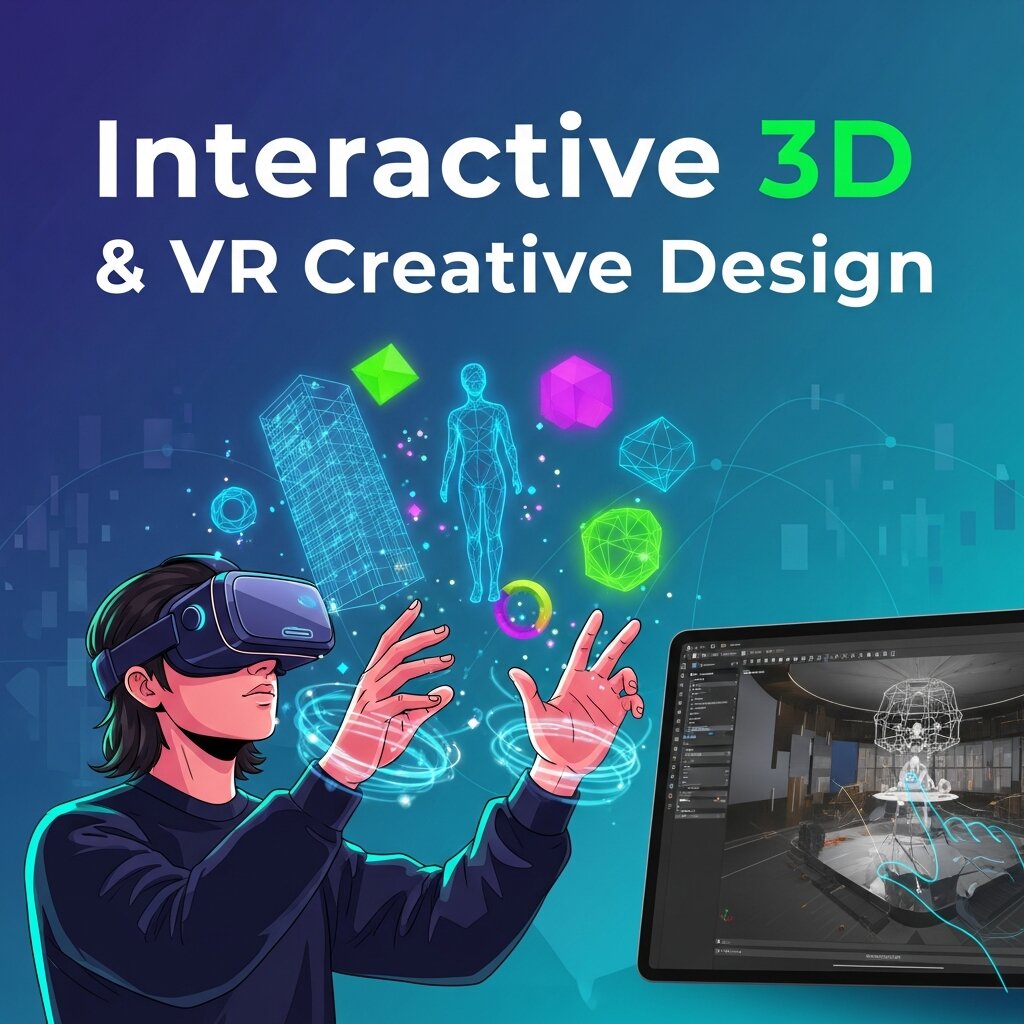
In today’s digital landscape, immersive experiences are reshaping how audiences engage with content. As designers and developers strive to craft memorable journeys, the integration of interactive 3D and VR creative design has become a driving force in innovation. This year (2026), the demand for highly engaging visuals and seamless virtual experiences is higher than ever. From education and healthcare to marketing and entertainment, industries are exploring ways to harness the power of three-dimensional modeling and virtual reality to deliver depth, realism, and interactivity.
Interactive 3D and VR creative design offers the potential to transcend traditional two-dimensional interfaces. By immersing users in virtual worlds or blending digital assets with the physical realm, organizations can foster deeper emotional connections and enhanced learning outcomes. Whether you’re a seasoned professional or just beginning your journey, mastering best practices and powerful workflows will position your projects at the forefront of immersive innovation.
In this comprehensive guide, we will explore advanced strategies and tools essential for delivering top-tier interactive 3D and VR creative design. We will examine modeling pipelines, VR integration methods, real-time rendering techniques, user-centric interaction principles, and cross-platform considerations. By adopting these proven approaches, you can ensure that your work not only meets but exceeds audience expectations, delivering captivating experiences that resonate in today’s immersive era.
Embracing Advanced 3D Modeling Techniques
Foundations of High-Quality Asset Creation
At the core of any compelling interactive 3D and VR creative design lies meticulous asset development. Photorealistic and optimized models serve as the building blocks of immersive environments. To achieve this, begin by studying real-world forms: capture high-resolution scans or gather extensive photographic references. Tools like Blender, Autodesk Maya, and Cinema 4D provide robust sculpting and retopology features that help refine shape, surface detail, and mesh flow.
Next, focus on topology optimization. Clean edge loops and balanced triangle distribution ensure that models deform predictably during animation and perform efficiently in real-time engines. Leverage retopology tools to reduce polygon count without sacrificing detail. Software such as Instant Meshes and ZBrush’s ZRemesher can automate much of this process, making it easier to produce production-ready meshes.
Procedural Texturing and Physically Based Rendering
Procedural texturing workflows accelerate material creation by using algorithmic patterns and generators. Applications like Substance Designer empower artists to craft reusable material graphs with adjustable parameters. Pair these with Substance Painter to paint directly onto 3D surfaces, blending procedural layers with hand-painted accents.
Physically Based Rendering (PBR) has become a standard in today’s immersive experiences. By simulating real-world light behavior, PBR materials deliver consistent results across engines. Pay attention to metallic and roughness channels, as well as normal and height maps, to unlock lifelike reflections and surface interactions.
Seamless Integration of VR Workflows
Establishing a Robust Pipeline
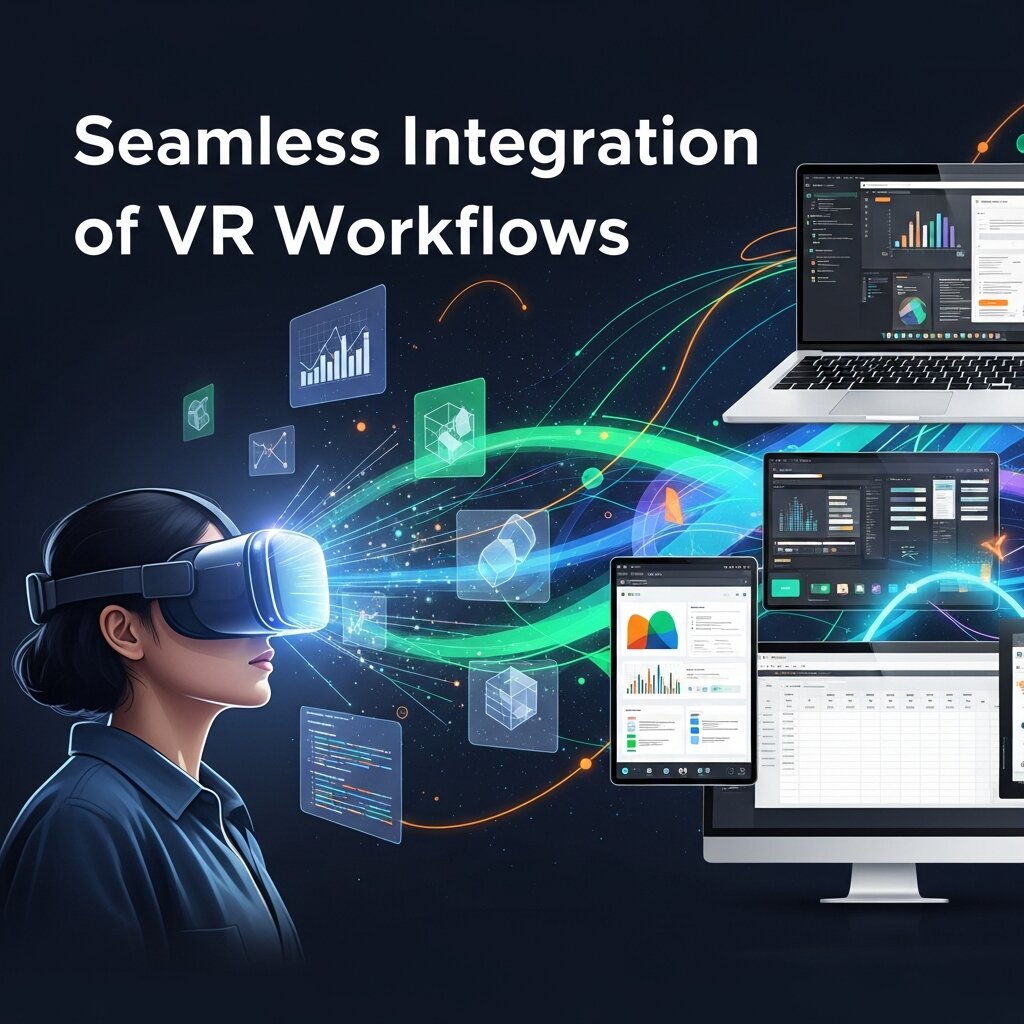
Integrating 3D assets into virtual reality requires a well-structured pipeline. Start by selecting a game engine that supports VR development, such as Unity or Unreal Engine. Both platforms offer native VR templates that streamline initial setup. Implement version control with Git LFS or Perforce to manage large binary files and track iterative changes collaboratively.
Set up a dedicated VR staging environment early in the process. Configure dynamic lighting techniques like baked lightmaps combined with real-time global illumination to balance visual quality and performance. In Unity, the XR Interaction Toolkit provides prebuilt components for grabbing, teleportation, and UI interactions. Unreal Engine’s VR Template offers Blueprint-based solutions for motion controllers and locomotion.
Device Testing and Performance Profiling
Consistent testing on target hardware—Meta Quest, HTC Vive, Valve Index, or other headsets—is critical. Use profiling tools like Unity Profiler or Unreal Insights to monitor CPU and GPU load, frame timing, and memory usage. Identify bottlenecks such as high-polygon assets, unbatched draw calls, or expensive shader operations.
Address VR-specific comfort concerns by maintaining stable frame rates (ideally 72 FPS or above) and minimizing latency. Implement comfort settings like vignette fade during movement and adjustable teleportation speeds. Early user testing helps uncover motion sickness triggers and usability hurdles.
Leveraging Real-Time Rendering and PBR Materials
Optimizing Shaders and Light Interaction
Real-time rendering fuels the responsiveness of interactive 3D and VR creative design. When creating shaders, consider your target hardware. Mobile VR headsets and web-based viewers demand lightweight materials, whereas high-end PCs can handle advanced GPU features like ray tracing. In Unity, Shader Graph allows you to visually construct shaders with minimal code; Unreal’s Material Editor provides node-based workflows for complex material setups.
Physically based materials must account for accurate energy conservation. Calibrate albedo values to realistic reflectance ranges. Use normal maps to simulate detailed surface features without increasing mesh complexity. Incorporate ambient occlusion and curvature maps to accentuate creases and edges.
Incorporating Real-Time Ray Tracing
When paired with modern GPUs, real-time ray tracing can elevate reflections, shadows, and global illumination. Unity’s High-Definition Render Pipeline (HDRP) and Unreal Engine’s Path Tracer offer ray-traced lighting options. However, balance visual fidelity with performance—consider adaptive quality scaling or toggling ray-traced effects based on device capability.
For browser-based experiences, explore WebGPU and WebXR standards. While these interfaces currently have limited ray tracing support, they enable efficient rasterization pipelines for interactive 3D and VR creative design directly in the browser. Refer to W3C’s WebXR Device API for implementation guidelines (https://www.w3.org/TR/webxr/).
User-Centric Interaction Design in Virtual Environments
Designing Intuitive Controls
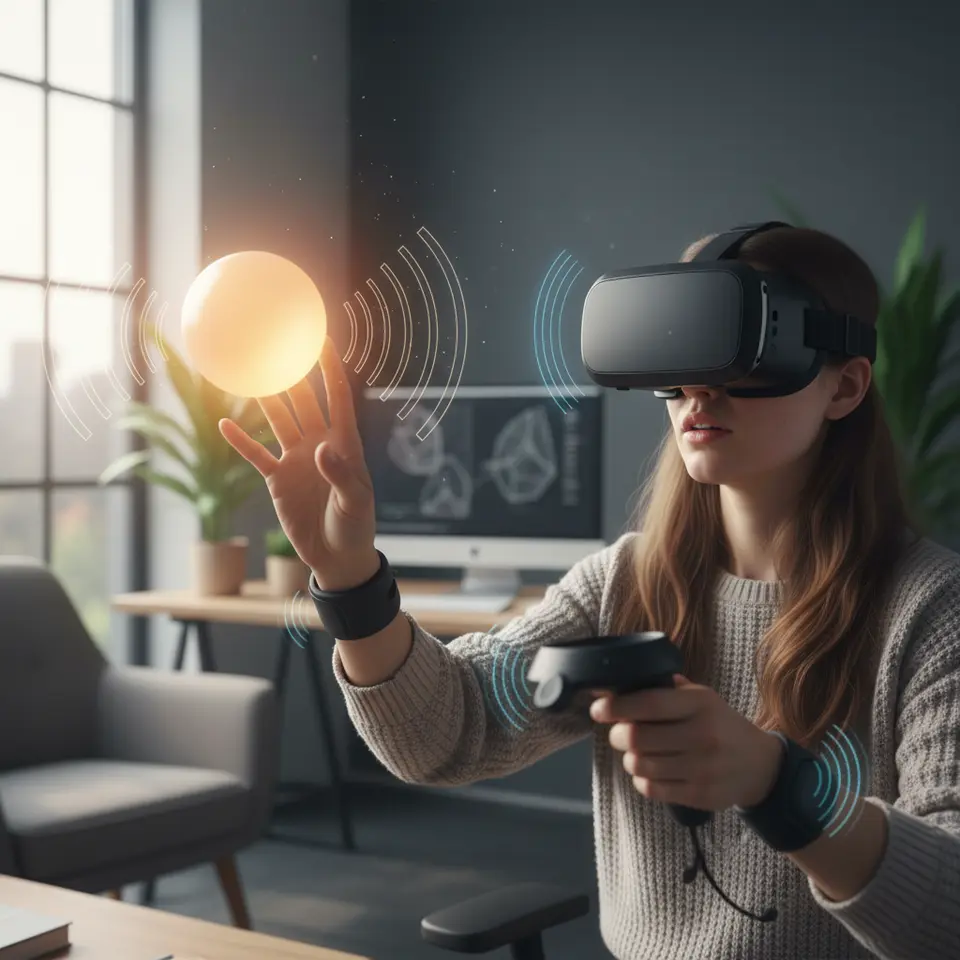
Interaction design lies at the heart of immersive engagement. Mimicking natural gestures—reaching out to grab objects, turning your head to look around, or pointing to trigger actions—enhances presence. Use haptic feedback via controller vibrations to reinforce successful interactions. Incorporate spatial audio cues from sources such as the Audio Research Group at Stanford (https://ccrma.stanford.edu/) to direct user attention and add environmental context.
Develop affordances that clearly communicate interactive elements. For instance, highlight grabbable objects with subtle glow effects or use proximity-based scaling to indicate interactivity. Provide gentle guidance through progressive disclosure: introduce core mechanics early, then reveal advanced features as users grow comfortable.
Ensuring Accessibility and Comfort
Inclusive design ensures a wider audience can enjoy your VR experience. Offer seated and standing modes, adjustable movement speeds, and comfort options like vignette or reduce-motion toggles. Include subtitles or visual indicators for audio events. Test with diverse users to uncover potential accessibility gaps.
Monitor user feedback and iterate accordingly. Platforms such as the National Institute on Disability, Independent Living, and Rehabilitation Research (https://acl.gov/) offer best practices for accessible digital design that can inform your workflows.
Multi-Device and Cross-Platform Strategies
Component-Driven Architecture
Designing for multiple platforms—from standalone headsets to mobile AR apps and desktop VR—calls for a modular approach. Separate core assets (models, textures, audio) from device-specific code (input handling, quality settings). Implement level-of-detail (LOD) systems to swap high-resolution meshes for simpler versions on lower-end hardware, ensuring consistent frame rates.
Adaptive quality frameworks allow you to adjust texture resolution, shadow detail, and shader complexity at runtime. Unity’s Adaptive Performance package and Unreal’s Scalability Settings provide built-in tools for this purpose.
Web-Based Delivery with WebXR
WebXR enables immersive experiences directly in modern browsers without requiring downloads or installations. By leveraging frameworks like three.js or A-Frame, developers can build interactive 3D and VR creative design experiences accessible on desktop, mobile, and headset platforms. Ensure cross-browser compatibility by testing on Chromium-based, Firefox, and Safari browsers.
For enterprise and educational deployments, consider Progressive Web App (PWA) packaging. This approach enhances performance caching and offline support while maintaining a native-like experience.
Real-Time Collaboration in Interactive 3D Environments
Real-time collaboration is becoming a vital component of interactive 3D and VR creative design, enabling teams to work together regardless of location. Designers, developers, and stakeholders can enter shared virtual spaces to review assets, make adjustments, and provide feedback instantly. Tools integrated with cloud platforms allow synchronized editing, version tracking, and live annotations within 3D scenes. This collaborative approach accelerates production cycles and minimizes miscommunication, especially for complex projects involving multiple disciplines. Additionally, virtual collaboration enhances client presentations, allowing stakeholders to experience environments firsthand rather than relying on static previews. As remote work continues to expand in this year (2026), integrating collaborative workflows into your pipeline ensures greater efficiency and more cohesive creative outcomes.
AI Integration in 3D and VR Design Workflows
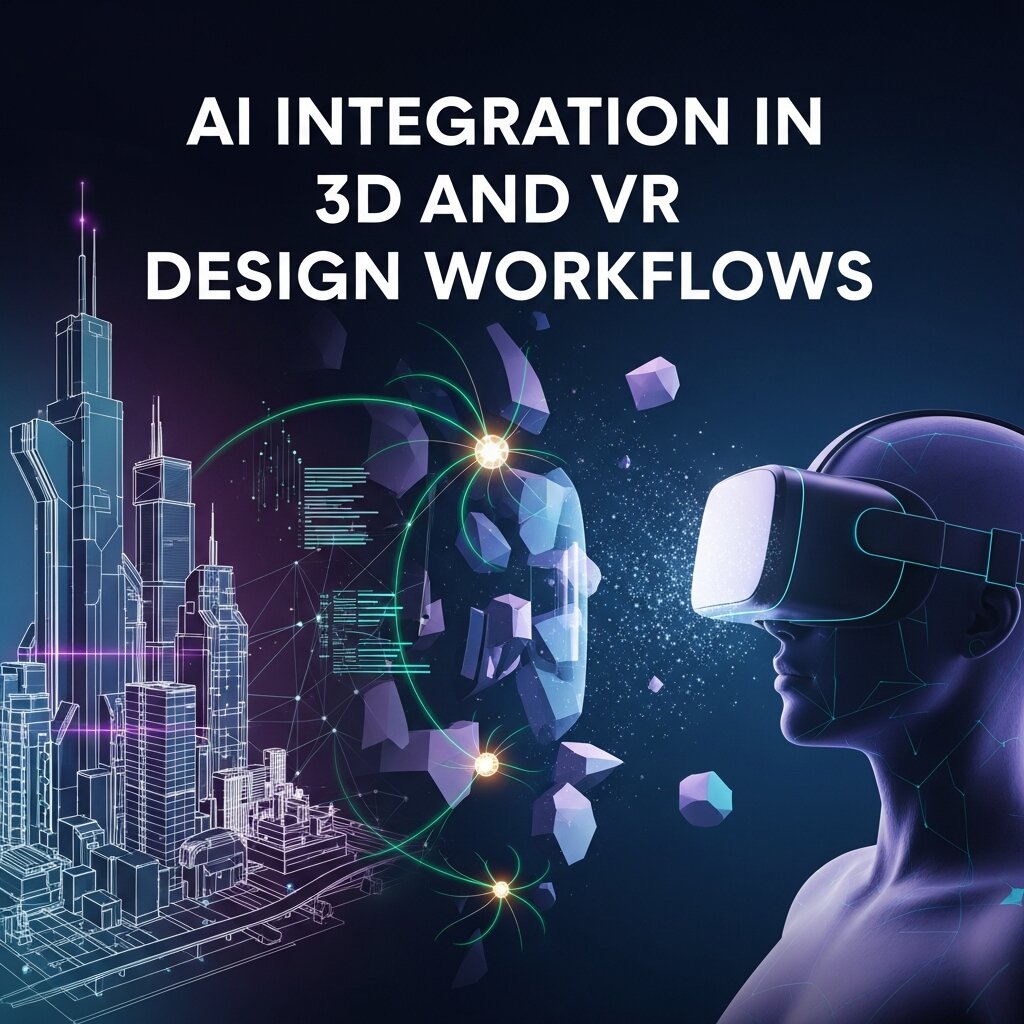 Artificial intelligence is transforming how interactive 3D and VR creative design projects are developed. AI-powered tools can automate repetitive tasks such as retopology, texture generation, and animation rigging, significantly reducing production time. Machine learning algorithms also assist in procedural content generation, enabling designers to create vast environments with minimal manual input. Furthermore, AI-driven analytics can evaluate user interactions within virtual environments, offering insights that help refine design decisions. In real-time applications, AI enhances responsiveness by adapting environments based on user behavior. As AI technology continues to evolve, integrating intelligent automation into your workflow will not only improve efficiency but also unlock new creative possibilities that were previously difficult to achieve manually.
Sound Design and Spatial Audio in VR
Sound design plays a crucial role in enhancing immersion within interactive 3D and VR creative design. Spatial audio techniques simulate how sound behaves in real-world environments, allowing users to perceive direction, distance, and movement. By integrating binaural audio and dynamic sound positioning, designers can guide user attention and reinforce realism. For example, footsteps echoing in a corridor or environmental sounds shifting with head movement contribute significantly to presence. Tools like FMOD and Wwise enable advanced audio integration within game engines, offering real-time sound manipulation and environmental effects. Properly balanced audio not only improves immersion but also supports usability by providing cues for navigation and interaction, making it an essential component of any successful VR experience.
Performance Optimization for Large-Scale 3D Projects
As interactive 3D and VR creative design projects grow in complexity, performance optimization becomes increasingly critical. Large environments with high-resolution assets can quickly overwhelm system resources if not properly managed. Techniques such as occlusion culling, mesh instancing, and texture atlasing help reduce rendering load and improve frame rates. Implementing efficient asset streaming ensures that only necessary elements are loaded at any given time, minimizing memory usage. Additionally, optimizing shaders and reducing draw calls can significantly enhance performance across devices. Developers should continuously monitor performance metrics using profiling tools and adjust accordingly. By prioritizing optimization from the early stages of development, you can deliver smooth and responsive experiences without compromising visual quality.
Storytelling and Narrative Design in VR Experiences
Storytelling is a powerful element that elevates interactive 3D and VR creative design beyond technical execution. Unlike traditional media, VR allows users to become active participants within the narrative, creating deeper emotional engagement. Designers must consider non-linear storytelling techniques, where users can explore environments and uncover story elements at their own pace. Environmental storytelling—using visual cues, objects, and spatial design—helps convey narratives without relying heavily on dialogue. Interactive elements such as branching paths or decision-making scenarios further enhance user involvement. By blending narrative design with immersive technology, creators can craft memorable experiences that resonate with audiences on a personal level, making storytelling a key driver of impactful VR content.
Future Trends in Interactive 3D and VR Design
The future of interactive 3D and VR creative design is shaped by rapid technological advancements and evolving user expectations. Innovations such as haptic feedback suits, eye-tracking systems, and brain-computer interfaces are pushing immersion to new levels. Cloud rendering and 5G/6G connectivity will enable more complex experiences without requiring high-end local hardware. Additionally, the integration of augmented reality (AR) with VR—often referred to as mixed reality—will create hybrid experiences that blend digital and physical worlds seamlessly. As industries continue to adopt immersive technologies, demand for skilled designers will grow significantly. Staying informed about emerging trends and continuously upgrading your skill set will be essential for remaining competitive in this dynamic and fast-evolving field.
FAQ
What is interactive 3D and VR creative design?
Interactive 3D and VR creative design is the process of creating three-dimensional models and virtual reality environments that users can navigate and manipulate, providing immersive and engaging experiences across various industries.
Which tools are essential for 3D modeling and VR workflows?
Essential tools include modeling software like Blender, Autodesk Maya, and Cinema 4D; texturing tools such as Substance Designer and Painter; and game engines like Unity and Unreal Engine for VR integration and real-time rendering.
How can I ensure performance across different VR devices?
Implement level-of-detail (LOD) systems, adaptive quality frameworks, and profile on target hardware. Test on devices like Meta Quest, HTC Vive, and Valve Index, using profiling tools to identify and address bottlenecks.
What are best practices for user comfort in VR?
Maintain stable frame rates (72 FPS+), provide comfort settings like vignette fade and adjustable movement speeds, offer seated and standing modes, and conduct early user testing to identify motion sickness triggers.
Conclusion
In today’s fast-moving creative industry, mastering interactive 3D and VR creative design is essential for delivering immersive, engaging experiences. By adopting advanced 3D modeling techniques, establishing seamless VR workflows, leveraging real-time rendering with PBR materials, centering interactions on user comfort, and embracing multi-device strategies, you can craft high-impact content that resonates in today’s digital landscape. Incorporate authoritative research and best practices, conduct thorough testing on target hardware, and optimize continuously to ensure peak performance. As you implement these strategies this year (2026), you will be well-positioned to lead the charge in immersive design innovation and captivate audiences across industries.
Read more about this topic: Sustainable Creative Design: Eco-Friendly Strategies