Animation and video production are undergoing a massive transformation. For decades, creating fluid, engaging animations required painstaking frame-by-frame adjustments, heavy rendering times, and specialized technical knowledge. Now, artificial intelligence is reshaping the entire workflow. Creators can generate complex animations, automate tedious keyframing, and experiment with visual styles in a fraction of the time it once took.
Understanding this shift is critical for anyone involved in digital content creation. The barrier to entry for high-quality animation is dropping rapidly. Artificial intelligence systems are learning the laws of physics, the principles of animation, and the nuances of human movement. This evolution allows artists to focus heavily on creative direction and storytelling while the software handles the mathematical heavy lifting of rendering and interpolation.
This post examines the rapid rise of ai motion graphics. We will look at the specific software categories leading this charge, the trends dominating the digital landscape, and the technical strategies you can use to integrate artificial intelligence into your own animation workflow. By grasping these concepts, you can elevate your production value and streamline your entire design process.
Understanding the Shift in Digital Aesthetics
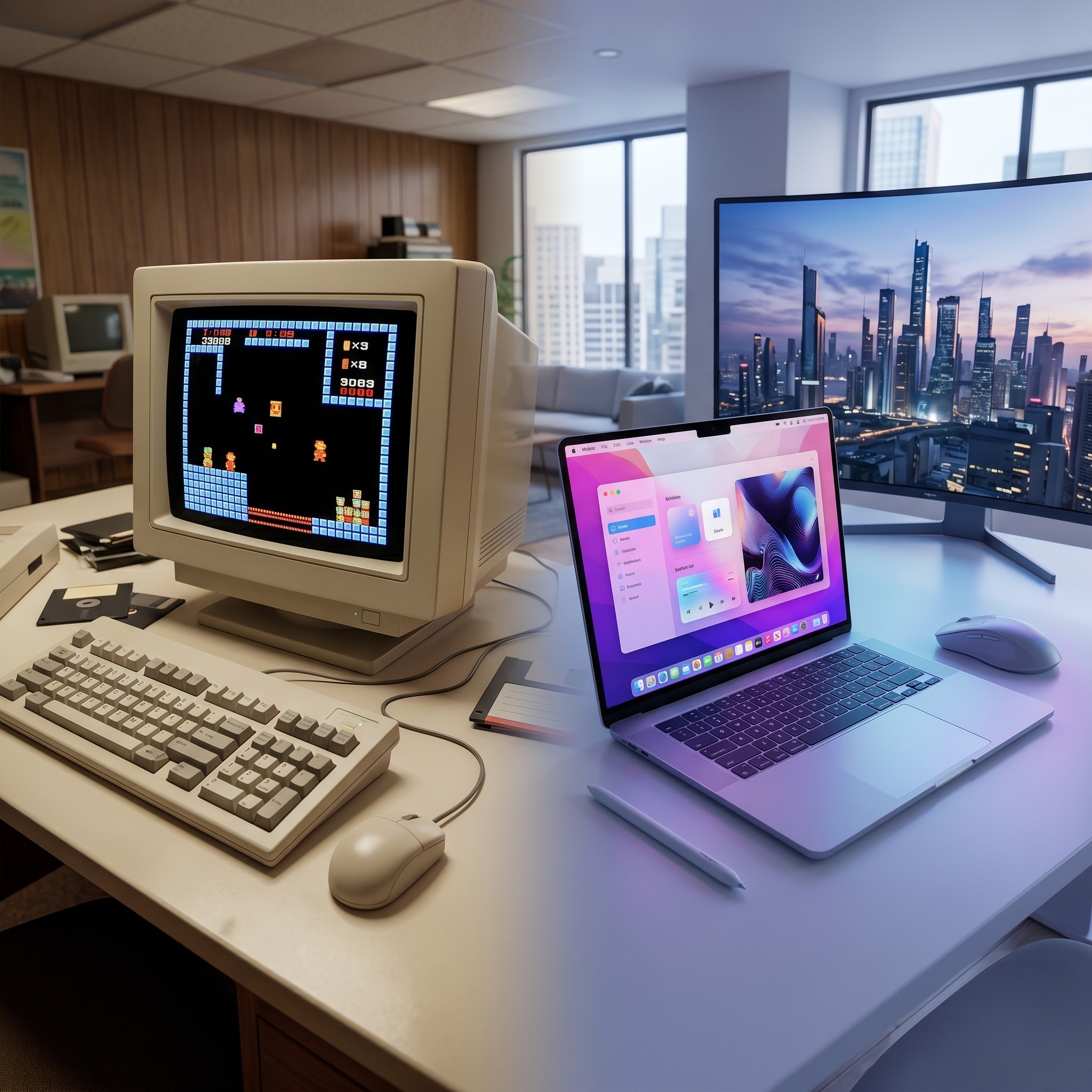 Before looking at specific animation tools, it helps to understand how different design disciplines are converging. The conversation often circles around graphic design vs visual design. Graphic design traditionally focuses on communicating specific messages through static imagery, typography, and layout, often for print or distinct digital campaigns. Visual design takes a broader approach, focusing on the overall aesthetic, user experience, and interactive elements across entire digital platforms.
Motion graphics sit at the intersection of these fields, adding the crucial element of time. Movement brings static layouts to life, guiding the viewer’s eye and explaining complex concepts through sequence and transition. Artificial intelligence accelerates this convergence. Algorithms can now analyze a static graphic design and automatically propose how it should behave within a broader visual design system. The software can predict how a logo should bounce, how a title card should fade, or how a character should walk across the screen.
This blending of disciplines means that traditional graphic designers can now execute complex motion projects without spending years learning legacy animation software. AI bridges the gap, translating static intent into dynamic execution.
Essential Tools Driving the Industry
The software landscape for ai motion graphics is expanding weekly. Rather than replacing traditional software suites, many of these new tools operate as plugins or standalone accelerators that integrate into existing workflows.
Automated Keyframing and Interpolation
One of the most time-consuming aspects of traditional animation is setting keyframes. Animators must define the start and end points of a movement, and then meticulously adjust the frames in between to ensure the motion looks natural. Artificial intelligence tools now automate the “in-betweening” process. Machine learning algorithms analyze the starting and ending poses and automatically generate smooth, physically accurate transitions.
These tools understand momentum, gravity, and easing. If you animate a ball dropping, the AI knows it should accelerate as it falls and squash slightly upon impact. This eliminates hours of manual curve adjustments. Creators can simply block out the major beats of a scene, and the software handles the fluid connectivity.
Text-to-Video and Generative Assets
Generative AI has moved beyond static imagery and into the realm of video. Several platforms now allow users to type a text prompt and receive a short, animated video clip in return. While these generated clips are often utilized for mood boards or conceptualization, the fidelity is rapidly approaching production quality.
Beyond full scene generation, AI is incredibly useful for asset creation. Motion designers frequently need background elements, textures, or secondary animations to flesh out a scene. Instead of building these from scratch, artists can use generative tools to quickly produce looping backgrounds, particle effects, or stylized textures. These assets are then imported into traditional compositing software to enhance the final composition.
Mapping the Learning Journey
With so many new applications hitting the market, training teams and students to use them effectively can be overwhelming. Educational institutions and creative agencies are increasingly relying on a visual curriculum design tool to structure this learning process. These platforms help educators map out the complex dependencies between traditional design principles and new artificial intelligence workflows.
By visualizing the learning path, instructors can ensure that students master the fundamentals of timing and spacing before they lean too heavily on algorithmic shortcuts. A structured visual curriculum ensures that artists use AI as an extension of their creativity, rather than a crutch that masks a lack of foundational knowledge.
Current Trends Shaping Digital Animation
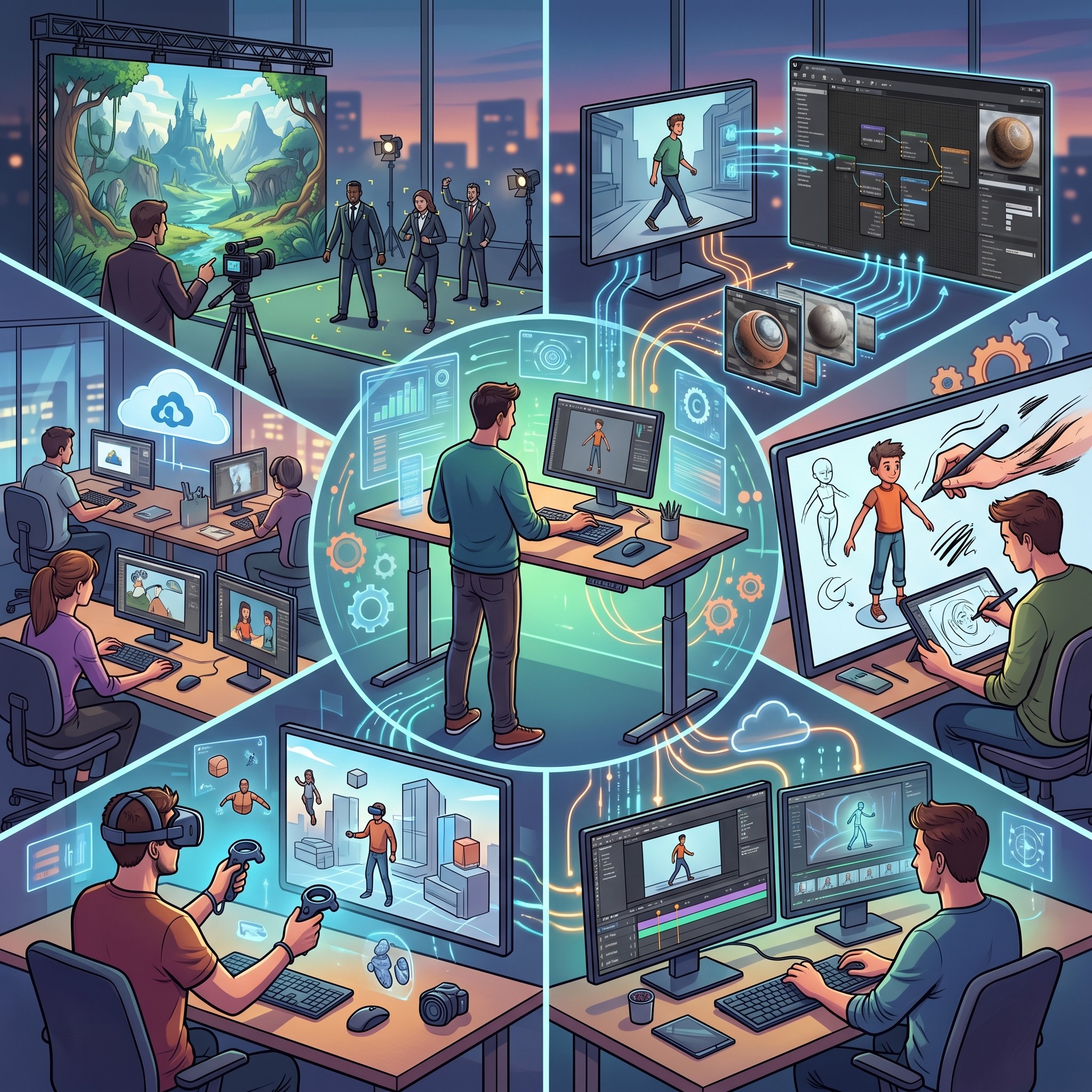 The integration of machine learning into video production is driving several distinct aesthetic and operational trends. These trends dictate how content is consumed on social media, in advertising, and across digital streaming platforms.
Hyper-Personalized Video Campaigns
Marketers are leveraging artificial intelligence to create highly personalized video content at an unprecedented scale. Instead of rendering one universal commercial, brands can use AI to swap out text, colors, localized environments, and even character demographics based on the viewer’s data profile.
Motion graphics templates are built with smart placeholders. The AI dynamically renders thousands of unique video variations on the fly. A viewer in New York might see an animation featuring a taxi and a local storefront, while a viewer in Tokyo sees the same core animation adapted with regional landmarks and translated typography. This level of customization dramatically increases viewer engagement and conversion rates.
Kinetic Typography Generation
Typography is a foundational element of motion design. Animating text to match the rhythm of a voiceover or a music track is notoriously tedious. Artificial intelligence audio analysis tools now automate this synchronization. The software listens to the audio track, identifies the syllables and pacing, and automatically generates kinetic typography that matches the rhythm perfectly.
These tools go beyond simple subtitles. They can apply dynamic bounce expressions, scale shifts, and color changes that match the emotional intensity of the spoken words. This trend is particularly dominant on platforms like TikTok and Instagram, where creators need fast, engaging captions to hold audience attention during short-form video content.
Style Transfer in Motion
Style transfer has been popular in static image generation for years, allowing users to apply the painting style of Van Gogh to a modern photograph. This technique is now being applied to video and motion graphics.
Animators can create a basic, low-fidelity 3D blocking of a scene. They then run that sequence through an AI style transfer model trained on specific aesthetics—like hand-drawn cel animation, watercolor painting, or claymation. The algorithm applies that style to every frame, maintaining temporal consistency so the video does not flicker jarringly from frame to frame. This allows small studios to achieve labor-intensive visual styles without requiring massive teams of traditional animators.
Techniques for Mastering the New Workflow
Adopting ai motion graphics requires a shift in how creators approach a project. It is less about manual manipulation and more about artistic direction, prompt engineering, and curation.
Developing Prompt Literacy for Motion
Writing prompts for video generation is distinctly different from prompting for static images. Motion prompts require an understanding of camera movement, pacing, and transition terminology. Instead of just describing a subject, the artist must describe the behavior.
Effective motion prompting involves terms like “slow pan right,” “dolly zoom,” “shallow depth of field,” or “eases into a stop.” Creators must learn to articulate the physics of the scene. Mastering this vocabulary is essential for getting usable results from generative video models.
The Hybrid Compositing Approach
The most successful studios are not generating entire commercials with a single text prompt. Instead, they use a hybrid approach. They use AI to generate base textures, background loops, or complex particle simulations. They then bring these elements into industry-standard software like After Effects or Nuke.
In the compositing phase, the human artist takes control. They use masking, color correction, and traditional keyframing to seamlessly blend the AI-generated elements with standard vector graphics and live-action footage. This hybrid technique ensures the final product retains a polished, intentional look that strictly generated content often lacks.
Refining and Roto-Scoping Automation
Rotoscoping—the process of cutting a subject out of a video frame by frame—has historically been the bane of junior animators. AI masking tools now automate this process with astonishing accuracy. By selecting a subject in a single frame, the algorithm tracks the edges of that subject throughout the entire video sequence.
However, artificial intelligence is rarely perfect on the first pass. The technique to master here is learning how to efficiently clean up AI-generated masks. Creators must know how to adjust edge feathering, correct tracking drift, and manually intervene only when the algorithm gets confused by motion blur or low lighting. Efficiently guiding the AI is much faster than doing the work entirely by hand.
Ethical and Creative Challenges of AI Animation
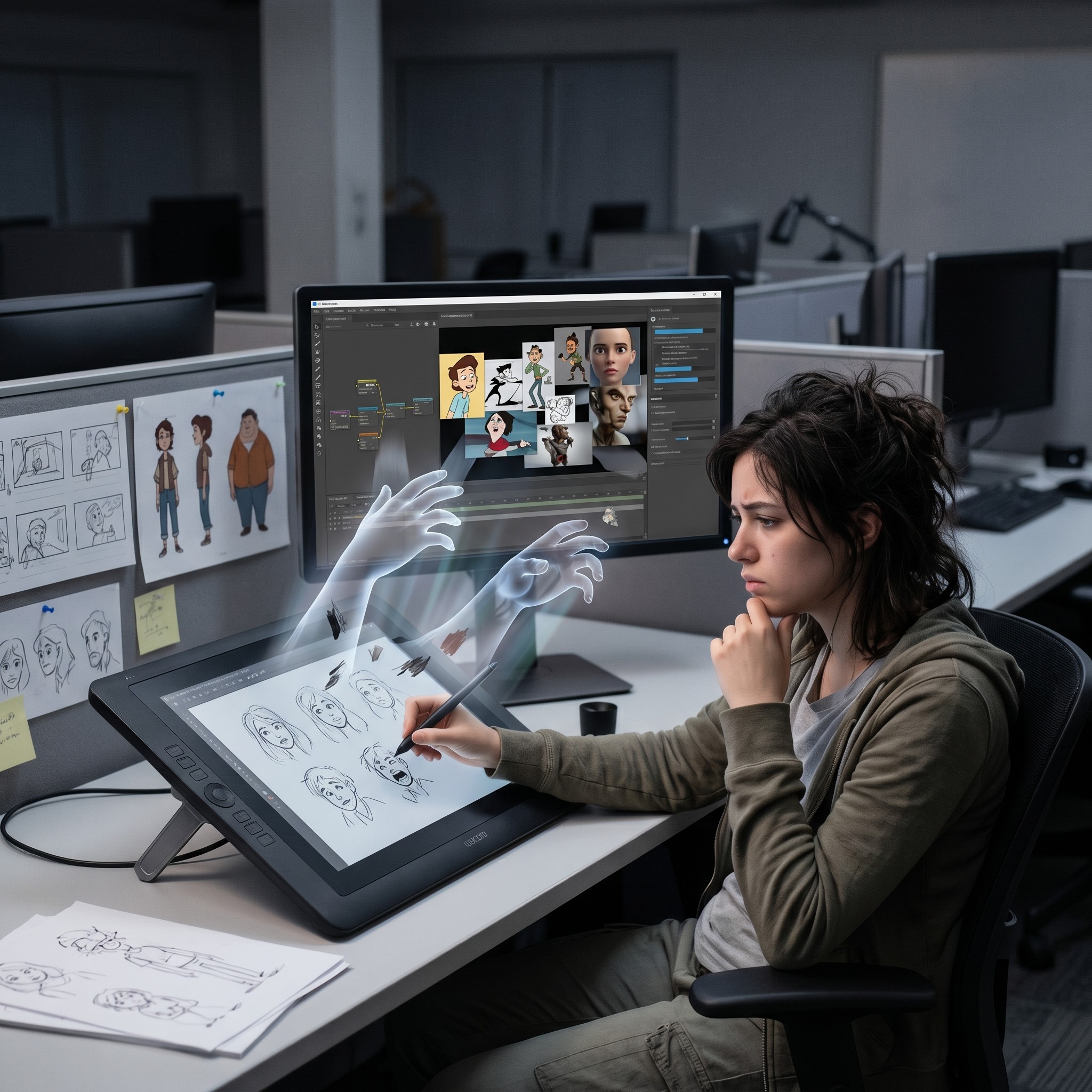 While AI brings significant efficiency to animation and video production, it also introduces important ethical and creative challenges that the industry must address. One major concern is originality, as generative systems often rely on large datasets that may include copyrighted or stylistically similar works. This raises questions about ownership and artistic authenticity in AI-generated motion graphics. Another challenge is creative dependency, where over-reliance on automation could weaken foundational animation skills among new designers. Additionally, there is a growing debate around job displacement, especially for entry-level roles traditionally focused on repetitive tasks like rotoscoping or in-betweening. However, many experts argue that AI will not eliminate creative jobs but rather redefine them, shifting human roles toward higher-level creative direction, storytelling, and conceptual design.
Future of AI in Motion Graphics
Artificial intelligence in motion graphics is expected to evolve far beyond today’s automation tools. In the near future, AI systems will not only assist in animation but also actively collaborate in creative decision-making. Instead of simply generating keyframes or transitions, future models will be able to understand narrative structure, emotional tone, and audience behavior to suggest entire scene compositions. This means designers may shift from executing individual animation tasks to supervising intelligent systems that generate multiple creative directions in real time. As computing power increases and models become more specialized, we will likely see fully adaptive animation pipelines where visuals dynamically adjust based on platform, viewer interaction, and even real-world data inputs. This evolution will further blur the line between design, storytelling, and real-time content generation.
Frequently Asked Questions (FAQ)
1. What is AI motion graphics?
AI motion graphics refers to the use of artificial intelligence to automate or assist in creating animated visuals. This includes tasks like keyframing, in-between animation (tweening), asset generation, and even full video creation from text prompts.
2. Do I need traditional animation skills to use AI tools?
Not always, but understanding animation fundamentals is still very important. AI can automate technical steps, but creative direction, timing, storytelling, and visual judgment still depend on human skill.
3. How is AI changing motion design workflows?
AI reduces the time spent on repetitive tasks like keyframing, rotoscoping, and asset creation. Designers now focus more on directing, refining outputs, and combining AI-generated elements with traditional compositing tools.
4. Can AI fully replace human animators?
No. AI is a support tool, not a replacement. It can generate content and speed up production, but human creativity, storytelling, and artistic decision-making are still essential for high-quality results.
5. What are the most useful AI tools for beginners in motion graphics?
Beginners often start with tools for:
- Automated animation (keyframing and interpolation)
- Text-to-video generation
- AI-based rotoscoping and masking
- Generative background or texture creation
These help reduce technical barriers while learning core motion design principles.
6. What is prompt literacy in animation?
Prompt literacy is the ability to clearly describe motion, camera behavior, timing, and style in text form so AI tools can generate accurate animations. It’s similar to learning a new creative language.
7. How does AI help in collaborative or team workflows?
AI can speed up production by generating base assets, reducing revision cycles, and standardizing outputs. Teams can focus more on creative refinement and less on repetitive production tasks.
Ready to Animate Your Next Masterpiece?
The landscape of digital animation is expanding faster than ever before. Artificial intelligence is removing the technical bottlenecks that previously restricted creative expression. Whether you are generating complex 3D simulations, automating your typography, or using a smart visual curriculum design tool to upskill your team, these technologies offer a massive competitive advantage.
The key to thriving in this new environment is adaptability. Start small by integrating one or two AI plugins into your existing workflow. Experiment with automated keyframing or generative backgrounds. As you become more comfortable directing the algorithms, you will find your production speed increasing and your creative possibilities multiplying. The tools are ready and waiting—it is time to set your ideas in motion.