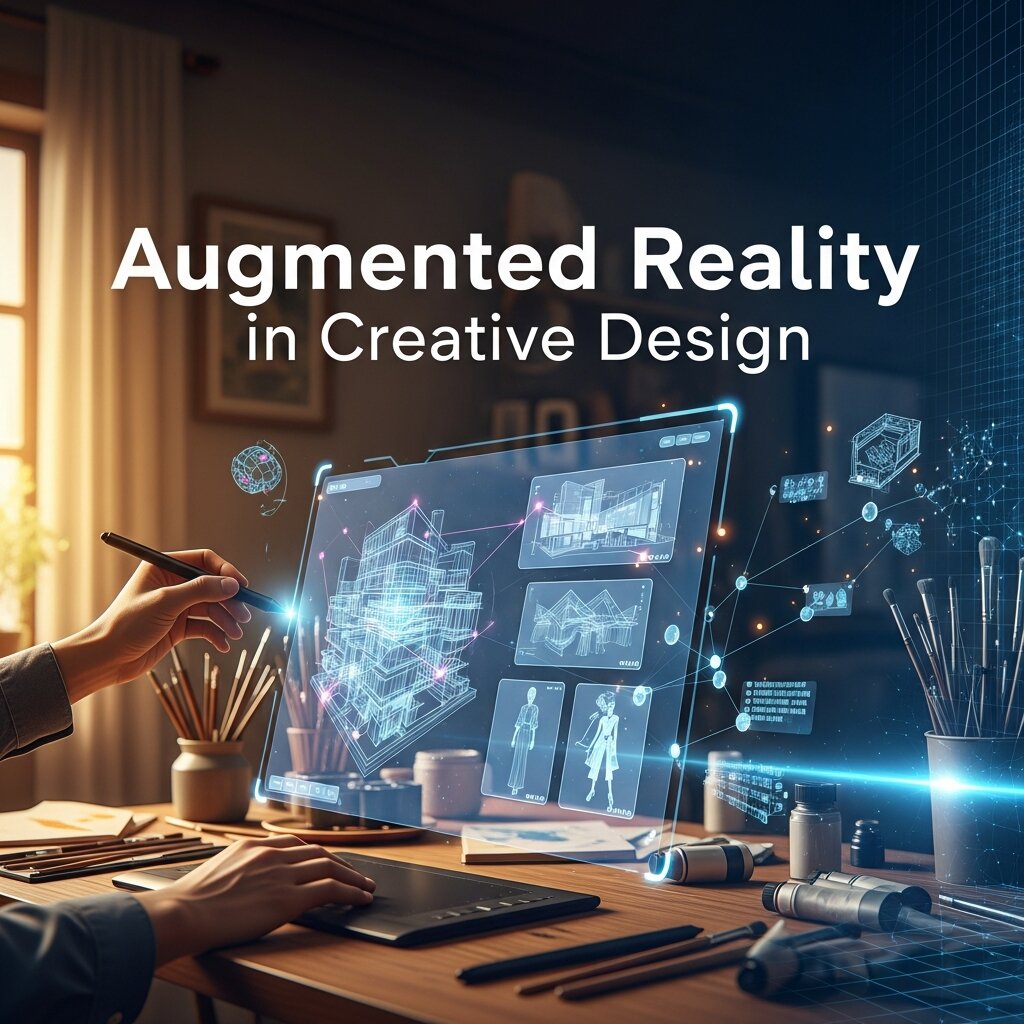
In today’s digital landscape, creative professionals are constantly searching for captivating ways to engage audiences and forge unforgettable connections with their work. Augmented Reality in Creative Design has emerged as a transformative approach that seamlessly fuses virtual elements with tangible surroundings, empowering designers to elevate static visuals into immersive narratives.
As we navigate through this year (2026), it is clear that Augmented Reality in Creative Design is not just a passing trend but a core strategy for brands and designers aiming to stand out. This article delves into the fundamentals of AR, outlines its key benefits, examines essential tools and platforms, shares best practices for seamless integration, and presents actionable strategies to guide your next project. Whether you are a seasoned designer exploring new horizons or a newcomer curious about the possibilities, this comprehensive guide will provide the insights and techniques required to embed AR within your creative workflow and drive meaningful results.
What is Augmented Reality in Creative Design?
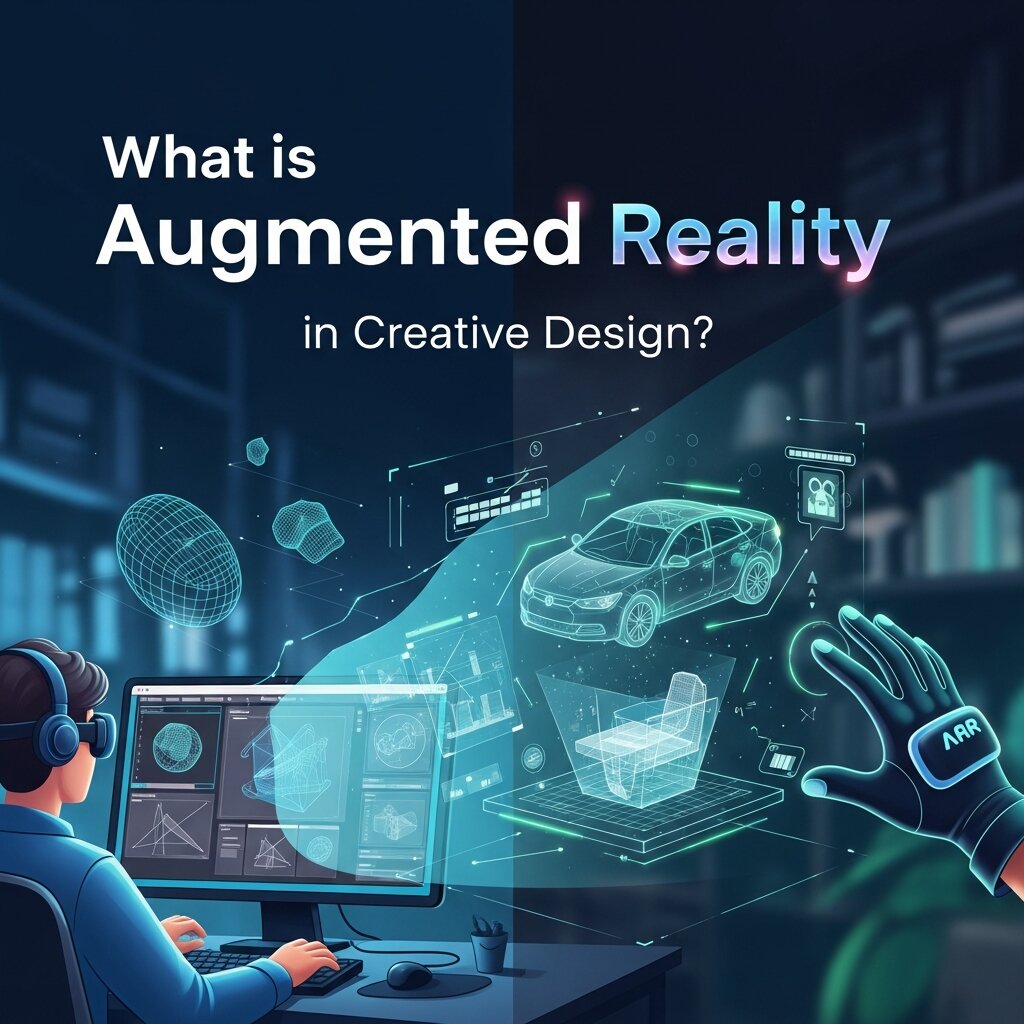 Augmented Reality in Creative Design merges computer-generated imagery with physical environments in real time, rather than transporting users into a fully simulated realm like Virtual Reality, AR overlays digital assets—such as 3D models, animations, or data visualizations—onto the existing scene. This blend maintains context with real-world features and allows viewers to interact with both tangible and virtual elements simultaneously.
Unlike Virtual Reality, which immerses a viewer in a fully simulated realm, AR enhances the existing scene by superimposing digital assets that maintain context with the real world. This fusion is driven by object recognition, spatial mapping algorithms, and sensor data. Research at Stanford University has demonstrated how these systems can interpret surfaces and volumes accurately to anchor virtual elements reliably.
Core technical components include advanced tracking and mapping capabilities. By analyzing camera input and inertial measurements, designs can detect planes, depth cues, and feature points, then calculate anchor positions for graphic overlays. Teams at NASA regularly rely on similar sensor fusion strategies for head-up displays in aerospace applications, underscoring the robustness of these methods.
Rendering engines form another pillar. High-performance graphics frameworks process 3D models, textures, and animations at consistent frame rates, ensuring that digital objects appear stable and lifelike. Optimized shaders and adaptive lighting models help virtual items respond to ambient brightness, creating the illusion that they belong within the user’s environment.
User interaction is equally vital. Designers can integrate gesture controls, touch input, and voice commands to allow individuals to move, rotate, or trigger animations on AR objects. Intuitive prompts and visual indicators guide users through exploration, helping them understand available actions without requiring extensive manuals or tutorials.
Display mediums vary from handheld devices like smartphones and tablets to head-mounted gear such as dedicated AR glasses. Each platform offers a distinct trade-off between immersion, portability, and field of view. Selecting the right device depends on project goals, the intended audience, and distribution strategies.
By orchestrating these elements—tracking, rendering, interaction, and delivery—creative teams can craft environments that surprise, delight, and engage viewers more profoundly than traditional flat media. Augmented Reality in Creative Design thus opens up a realm of possibilities for storytelling, product visualization, and educational experiences that resonate on multiple sensory levels.
Advantages of Augmented Reality for Designers
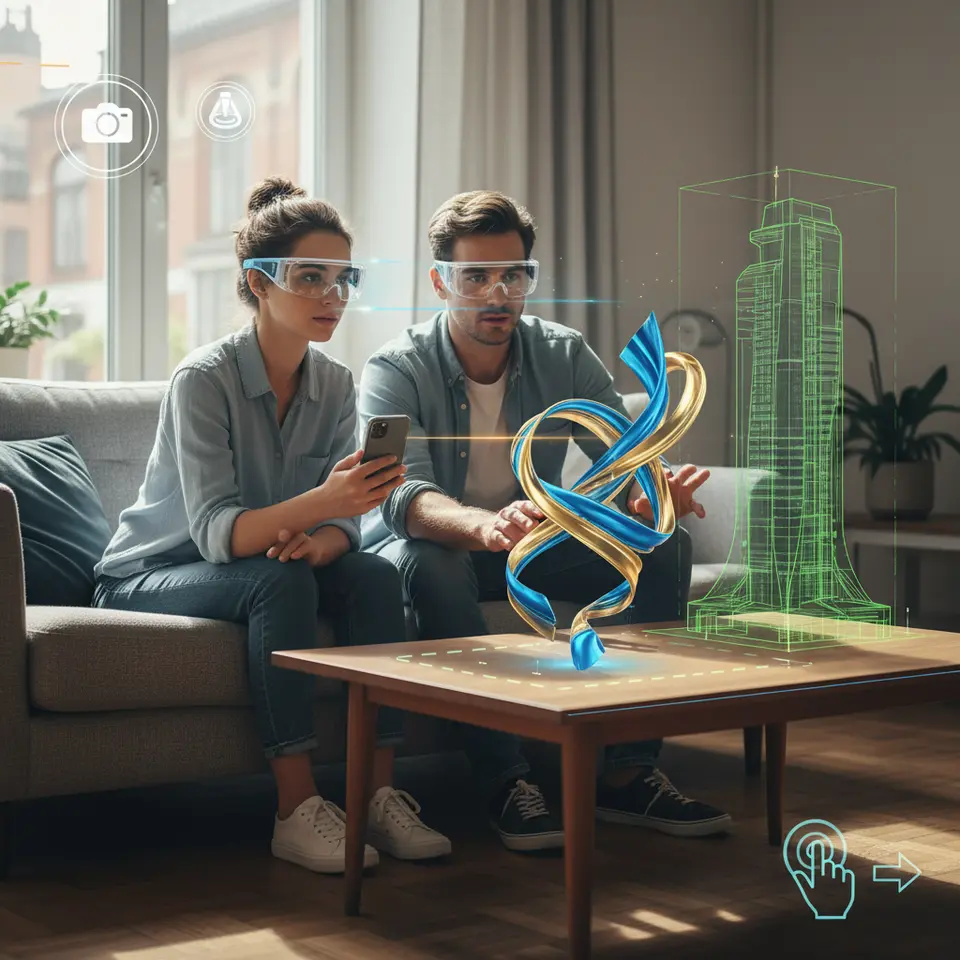 Augmented Reality in Creative Design brings a wealth of benefits that extend well beyond novelty. By embedding interactive visuals into physical spaces, designers can foster deeper connections with users, encouraging them to explore content in ways that static imagery cannot match. This transformative approach not only captures attention but also elevates the overall quality of the user journey, making every interaction feel more meaningful and memorable.
One of the most significant advantages is heightened user engagement. When audiences can manipulate digital objects and see them respond to real-world actions, they tend to spend more time interacting with the material. This extended dwell time often translates into stronger brand recall and a greater likelihood of sharing experiences on social platforms, amplifying reach without requiring additional ad spend.
Immersive storytelling also benefits tremendously from AR. Creative teams can place characters, infographics, or data visualizations directly into a viewer’s environment, weaving narratives that unfold around them. This contextual immersion turns passive observers into active participants, allowing designers to guide users through layered experiences that blend factual information, emotional triggers, and interactive elements.
For educational and training initiatives, Augmented Reality in Creative Design offers unparalleled clarity. Complex concepts become easier to comprehend when learners can visualize them in three dimensions and engage with each component. Interactive annotations, real-time feedback, and simulated scenarios can transform routine instruction into dynamic sessions that cater to various learning styles and levels of expertise.
E-commerce platforms leveraging AR see measurable improvements in purchase confidence. By enabling prospective buyers to preview products—whether furniture, apparel, or consumer electronics—in their own surroundings, brands reduce uncertainty and lower return rates. This immersive pre-purchase experience not only boosts sales but also cultivates trust, as customers feel empowered to make informed decisions.
Finally, organizations that pioneer AR experiences differentiate themselves in crowded markets. In today’s competitive landscape, brands that integrate cutting-edge technologies signal innovation and forward thinking. Through striking visual campaigns and engaging user journeys, companies can position themselves as leaders in their fields, fostering loyalty and driving long-term growth.
Essential AR Tools and Platforms for Creative Professionals
Selecting the right toolkit is crucial when embarking on an AR project in creative design. Each platform offers unique capabilities, hardware compatibility, and development workflows that cater to different needs and skill sets. Whether you prefer code-driven frameworks or visual editing environments, there is a solution that can streamline your process and ensure your augmented visions come to life seamlessly.
ARKit, developed by Apple, provides a comprehensive framework for iPhone and iPad applications. It excels at motion tracking, scene understanding, and light estimation, enabling designers to anchor virtual objects precisely within a user’s surroundings. The framework integrates effortlessly with Xcode and SceneKit, making it an excellent choice for teams focused on iOS-centric experiences.
On the Android side, ARCore serves as Google’s powerful equivalent. It supports a wide range of devices, offering features such as environmental HDR for realistic lighting, simultaneous localization and mapping (SLAM), and custom depth APIs. With its growing device coverage, ARCore ensures your Creative Design projects reach a broad audience without sacrificing performance.
For cross-platform development, combining Unity with Vuforia remains a popular option among professionals. Unity’s robust game engine, paired with Vuforia’s image recognition and object-tracking capabilities, facilitates the creation of sophisticated AR applications. Designers can leverage prebuilt templates and asset libraries while developers fine-tune interactions using Unity’s scripting environment.
Spark AR Studio is ideal for social media campaigns, allowing creators to build filters and effects for Instagram and Facebook. Its intuitive interface requires minimal coding knowledge, making it accessible to marketing teams and digital artists alike. With Spark AR, you can design immersive face masks, world effects, and interactive triggers that resonate with modern audiences.
Adobe Aero offers a no-code approach, empowering graphic designers to transform Photoshop and Illustrator assets into live AR scenes. Aero’s drag-and-drop workflow simplifies the process of setting triggers, defining behaviors, and previewing projects in real time. This tool bridges the gap between traditional design software and cutting-edge augmented experiences, accelerating prototyping and iteration.
Best Practices for Implementing AR in Your Creative Projects
Creating a successful AR experience requires more than just technical know-how; it demands thoughtful design and rigorous testing to ensure users receive genuine value. By adhering to proven best practices, creative teams can avoid common pitfalls, deliver polished interactions, and maintain high performance across devices. Below are key guidelines to consider when integrating Augmented Reality in Creative Design.
Keep AR content contextual. Each virtual element should serve a clear purpose, whether it’s to inform, entertain, or facilitate a task. Avoid adding superfluous animations or overlays that distract from your core narrative. When users encounter meaningful interactions aligned with their needs, they are more likely to engage deeply and return for future experiences.
Optimize for performance by minimizing resource demands. Use low-polygon models, compressed textures, and streamlined shaders to reduce the memory footprint and maintain steady frame rates. Benchmark your AR scenes on target devices to identify bottlenecks, and leverage profiling tools to track GPU and CPU usage in real time.
Design assets for a variety of lighting conditions. Natural environments present unpredictable shadows and brightness levels, so test your AR content under diverse scenarios, from dim indoor settings to sunlit outdoor spaces. Employ adaptive lighting techniques and real-time reflections to help virtual objects blend seamlessly with real-world surroundings.
Simplify user interaction flows by providing clear guidance. Incorporate visual cues such as arrows, highlights, or tooltips to indicate where users can tap or gesture. Offer brief onboarding sequences that demonstrate key controls, and ensure that exit points or reset actions are easily accessible to prevent frustration.
Ensure accessibility by accommodating different user abilities and device capabilities. If certain features require advanced hardware, provide alternative content paths or fallback experiences. Include descriptive audio prompts or captions for users with hearing impairments, and validate your designs against accessibility standards to make experiences inclusive.
Strategies for Successful AR Integration
Define Clear Objectives
Before diving into development, outline what you want your AR project to achieve. Are you aiming to boost engagement, educate a target audience, or drive product sales? Establish specific, measurable KPIs such as time spent interacting, number of shares, or conversion uplift. Clear objectives help align your creative vision with technical requirements and provide benchmarks for evaluating success once the experience is live.
Prototype Early
Rapid prototyping allows you to validate core interactions before investing in detailed assets. Use low-fidelity mockups, simple 3D placeholders, or basic Unity scenes to test spatial placement, gesture responses, and user flow. Early prototypes reveal potential usability issues and alignment problems, enabling your team to refine the concept quickly and cost-effectively.
Collaborate Across Teams
Augmented Reality projects often bring together designers, developers, 3D artists, UX researchers, and project managers. Foster cross-disciplinary communication through regular sprint reviews, shared documentation, and collaborative design workshops. This synergy ensures that visual assets, technical constraints, and user needs are addressed in unison, reducing rework and streamlining delivery.
Iterate Based on User Feedback
Conduct real-world usability tests to observe how participants discover and interact with your AR content. Gather both qualitative insights—such as user satisfaction and ease of use—and quantitative data like interaction rates or error frequency. Use this feedback to tweak UI prompts, adjust content scale, and optimize performance, ensuring a smoother experience for future audiences.
Launch and Monitor
Deploy your AR experience on the intended platforms—whether through app stores, social media channels, or browser-based AR solutions. Integrate analytics tools to track engagement metrics, identify drop-off points, and monitor technical performance. Continuous monitoring allows you to address issues promptly, release updates that improve stability, and plan future iterations with confidence.
Frequently Asked Questions
What devices support Augmented Reality in creative design?
AR experiences can be delivered on smartphones and tablets using platforms like ARKit and ARCore, as well as dedicated AR headsets and glasses for a more immersive field of view. Selection depends on project goals, desired level of immersion, and audience accessibility.
How do I choose the right AR development platform?
Consider your target devices, team skill sets, and project scope. Use ARKit for iOS-exclusive apps, ARCore for Android, Unity with Vuforia for cross-platform needs, Spark AR Studio for social media filters, and Adobe Aero for no-code prototyping.
What performance optimizations are essential for AR?
Optimize 3D models, textures, and shaders to maintain consistent frame rates. Test under varied lighting conditions, leverage profiling tools to identify bottlenecks, and implement adaptive lighting and occlusion techniques for seamless integration with real-world environments.
How can AR improve user engagement and ROI?
By enabling interactive, contextually relevant experiences, AR increases dwell time, strengthens brand recall, and boosts conversion rates—particularly in e-commerce—while fostering social sharing and differentiating your brand in competitive markets.
Conclusion
Augmented Reality in Creative Design offers an unprecedented way to bridge the gap between digital content and the physical world. By understanding core AR principles, leveraging industry-leading tools, and following disciplined best practices, creative teams can craft experiences that resonate deeply and leave lasting impressions. From enhanced user engagement and immersive storytelling to improved learning outcomes and elevated e-commerce conversions, the benefits of AR are wide-ranging and impactful.