Designing exceptional digital experiences requires a delicate balance of human empathy and technical precision. For years, designers have spent countless hours drafting wireframes, testing color palettes, and tweaking layouts to achieve the perfect user interface. New technology is shifting that paradigm, allowing professionals to hand off repetitive tasks and focus entirely on innovation and strategy.
Integrating artificial intelligence into your workflow does not mean surrendering your creative control. Instead, it acts as a powerful assistant that accelerates ideation and refines your output. By adopting the right software, you can generate mockups from simple text prompts, predict user attention before launching a product, and ensure your typography pairs flawlessly. The result is a smoother workflow that leaves ample room for producing truly Creative Designs.
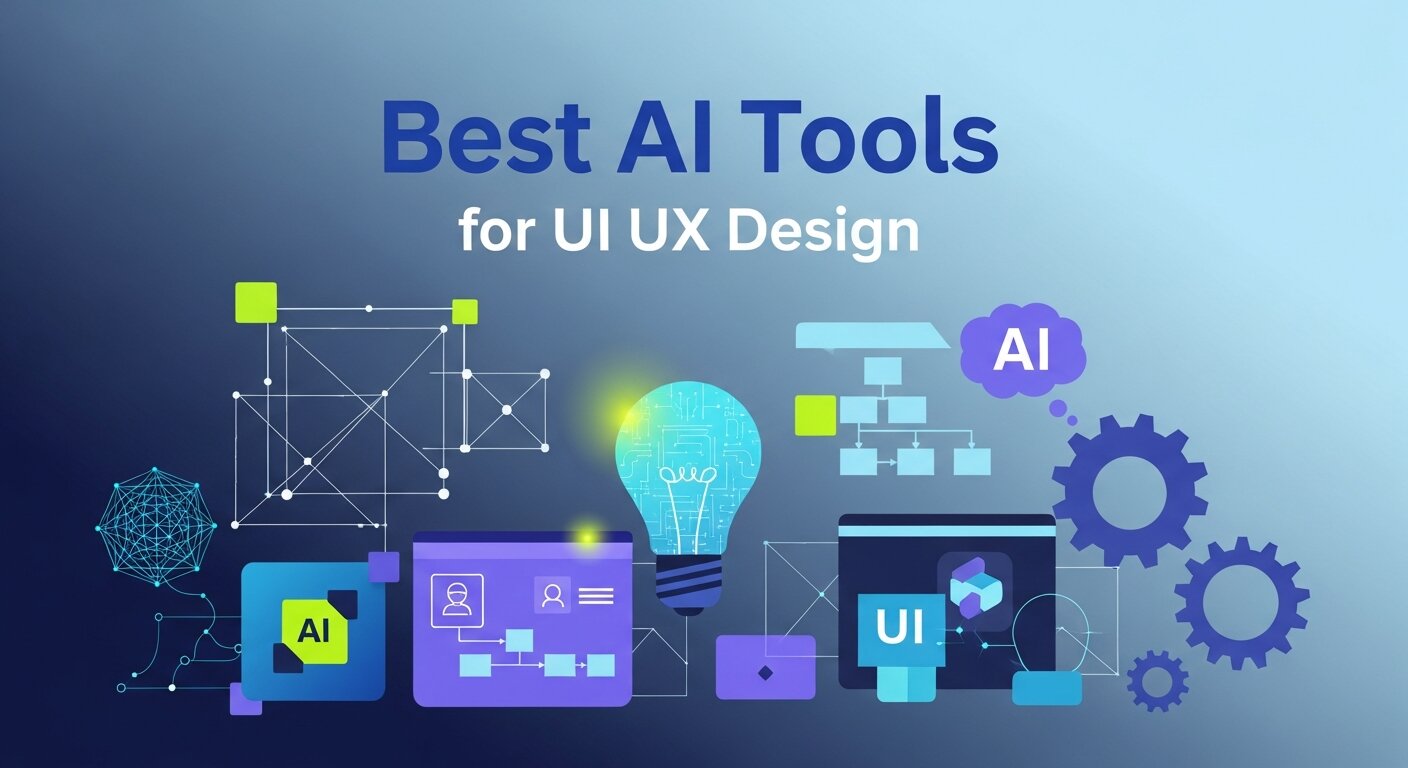
If you want to stay ahead of the curve, you need to know which platforms actually deliver on their promises. This guide explores the best ai tools for ui ux design available right now. We will examine how each application works, what makes it valuable, and how you can use it to build engaging, user-centric interfaces.
How Artificial Intelligence is Reshaping Design
 The design industry undergoes a major transformation every few years. We moved from physical drafting boards to digital screens, and from isolated software to cloud-based collaboration. Artificial intelligence represents the next major leap. It fundamentally changes how we approach problem-solving in user experience and user interface creation.
Automation is the most immediate benefit. Tasks that traditionally took hours—like resizing elements for different screens, generating placeholder text, or building basic wireframes—can now be completed in seconds. This speed allows design teams to test multiple iterations of a product rapidly. When you can see five different layout options instantly, you can make better decisions about which path serves the user best.
Furthermore, machine learning algorithms analyze vast amounts of data to provide actionable insights. These systems evaluate how real users interact with digital products, identifying friction points and suggesting improvements. Designers can use this data to back up their creative decisions with empirical evidence. This fusion of analytics and artistry leads to digital spaces that are both beautiful and highly functional.
The Best AI Tools for UI UX Design
To help you navigate the growing landscape of design software, we have compiled a list of the most effective platforms for modern professionals. These applications cater to different stages of the design process, from initial research to final visual polish.
1. Uizard
Uizard is a game-changer for rapid prototyping. It allows designers, product managers, and founders to turn hand-drawn sketches into digital wireframes almost instantly. You simply upload a photo of your whiteboard sketch, and the platform’s computer vision translates it into editable digital components.
Beyond scanning sketches, Uizard features a text-to-design generation tool. You can describe the screen you want to build—such as “a login page for a fitness app with a modern aesthetic”—and it will generate a multi-screen mockup. This tool is incredibly useful during the early stages of a project when you need to present concepts quickly and gather stakeholder feedback.
2. Galileo AI
Galileo AI takes text-to-UI generation to a highly sophisticated level. Trained on thousands of top-tier user experiences, it generates complex, high-fidelity interfaces from simple natural language prompts.
What sets Galileo AI apart is its attention to detail. It populates the generated designs with relevant copy, suitable icons, and harmonious color schemes. Once the AI generates the initial layout, you can easily export it to Figma to tweak the specifics and integrate it into your broader design system. It is an excellent resource for overcoming blank-page syndrome and kickstarting your Creative Designs.
3. Attention Insight
Creating a visually appealing layout is only half the battle; you also need to ensure users notice the most important elements. Attention Insight uses predictive heatmaps to show you exactly where a user’s eyes will land on your design.
By analyzing your mockups before they go live, you can see if your call-to-action buttons, value propositions, and key images are getting the attention they deserve. The algorithm is based on eye-tracking studies, offering a highly accurate simulation of human vision. This tool helps you optimize visual hierarchy without spending thousands of dollars on extensive user testing sessions.
4. Khroma
Color theory is a fundamental aspect of user interface design, but finding the perfect palette can be a time-consuming process of trial and error. Khroma uses artificial intelligence to learn your specific color preferences and generate endless combinations that work perfectly together.
You start by selecting a set of colors you naturally gravitate toward. The algorithm then produces combinations of typography, gradients, and palettes based on your selections. Khroma ensures that the generated colors meet accessibility standards for contrast, helping you build interfaces that are inclusive and easy to read.
5. Fontjoy
Much like color, typography sets the tone of your digital product. Fontjoy simplifies the process of font pairing using deep learning. Instead of scrolling through hundreds of fonts and guessing what might look good together, Fontjoy generates combinations that share underlying structural similarities but contrast enough to create visual interest.
You can lock in a heading font you like and ask the system to find complementary body and subheading fonts. It is a simple, highly effective tool that removes the guesswork from typographic hierarchy, ensuring your text is highly readable and aesthetically pleasing.
6. ChatGPT
While it might not seem like a traditional design tool, ChatGPT has become an indispensable part of the UX process. User experience relies heavily on clear, concise, and helpful copy. ChatGPT serves as a powerful UX writing assistant, helping you draft microcopy, error messages, and onboarding tutorials.
Additionally, designers use it to synthesize user research. You can feed transcripts from user interviews into the platform and ask it to identify common pain points or recurring themes. It streamlines the research phase, giving you more time to implement solutions based on those insights.
Integrating Artificial Intelligence into Your Creative Workflow
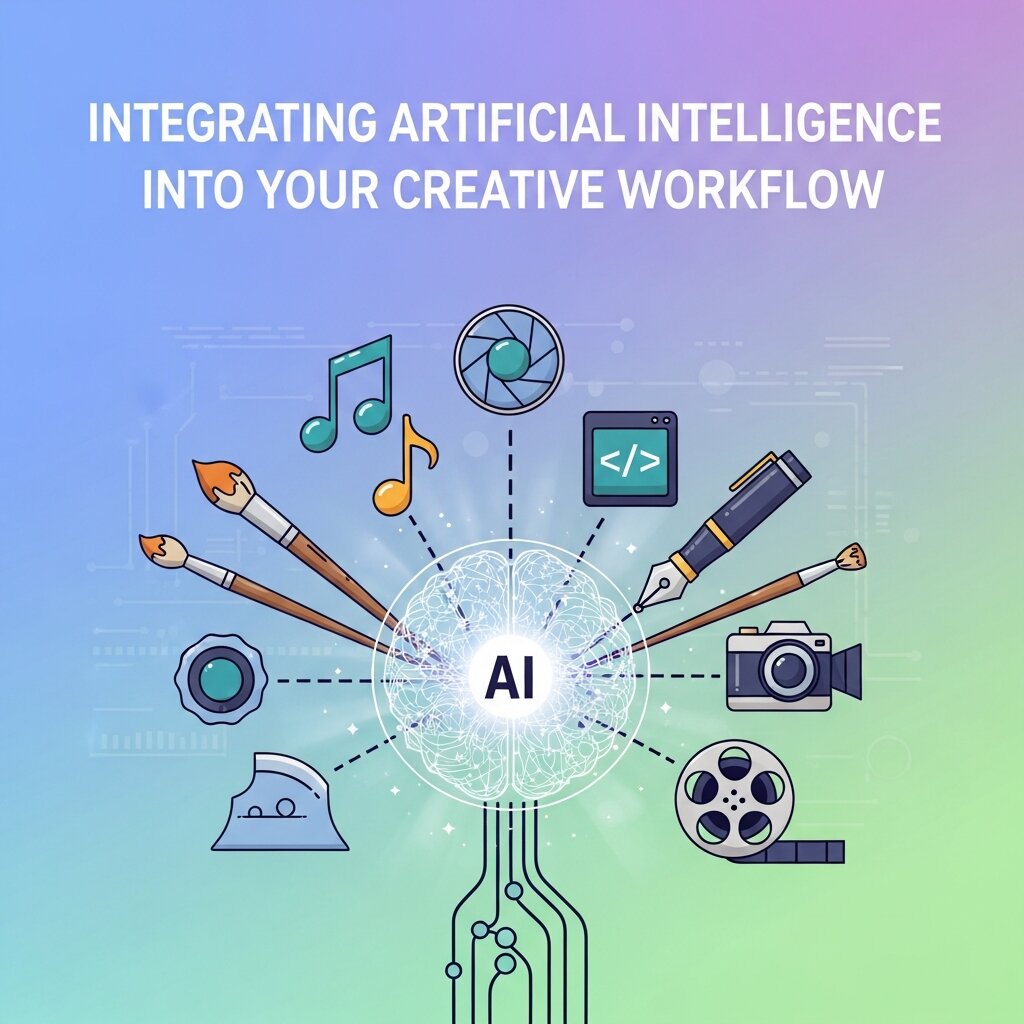 Having access to powerful software is one thing; knowing how to integrate it seamlessly into your daily routine is another. The goal is to enhance your existing skills, not to let the machine do all the thinking for you.
Start by identifying the bottlenecks in your current workflow. If you spend too much time on initial wireframing, introduce Uizard or Galileo AI to speed up that phase. If your user testing budget is tight, use Attention Insight to validate your visual hierarchy early on.
Always review the AI-generated outputs with a critical eye. These systems are incredibly smart, but they lack human context and empathy. An AI might suggest a layout that is technically perfect but feels emotionally sterile. It is your job as the designer to inject brand personality, ensure accessibility, and refine the user journey. Use these tools as collaborators to push the boundaries of your Creative Designs.
Ethical Considerations in AI-Driven Design
As artificial intelligence becomes more deeply integrated into UI/UX workflows, ethical considerations are becoming increasingly important. Designers must ensure that AI-generated outputs do not reinforce bias, exclude users, or manipulate behavior in unintended ways. Since AI systems are trained on existing datasets, they may unintentionally replicate patterns that are not inclusive or culturally sensitive. It is the responsibility of designers to critically evaluate AI suggestions and ensure they align with ethical design principles. Transparency in how AI influences design decisions is also essential. By maintaining human oversight and prioritizing user well-being, designers can use AI responsibly while still benefiting from its speed and efficiency.
Collaboration Between Designers and AI Systems
AI tools are not meant to replace designers but to function as collaborative partners in the creative process. This collaboration allows designers to focus more on strategic thinking while AI handles repetitive and time-consuming tasks. For example, AI can generate multiple layout options, but the designer decides which version best aligns with user needs and brand identity. This partnership enhances creativity by offering fresh perspectives that designers may not have considered. However, successful collaboration requires understanding the strengths and limitations of AI systems. When used effectively, AI becomes an extension of the designer’s workflow, improving productivity while preserving human creativity and intuition.
Data-Driven Decision Making in UX Design
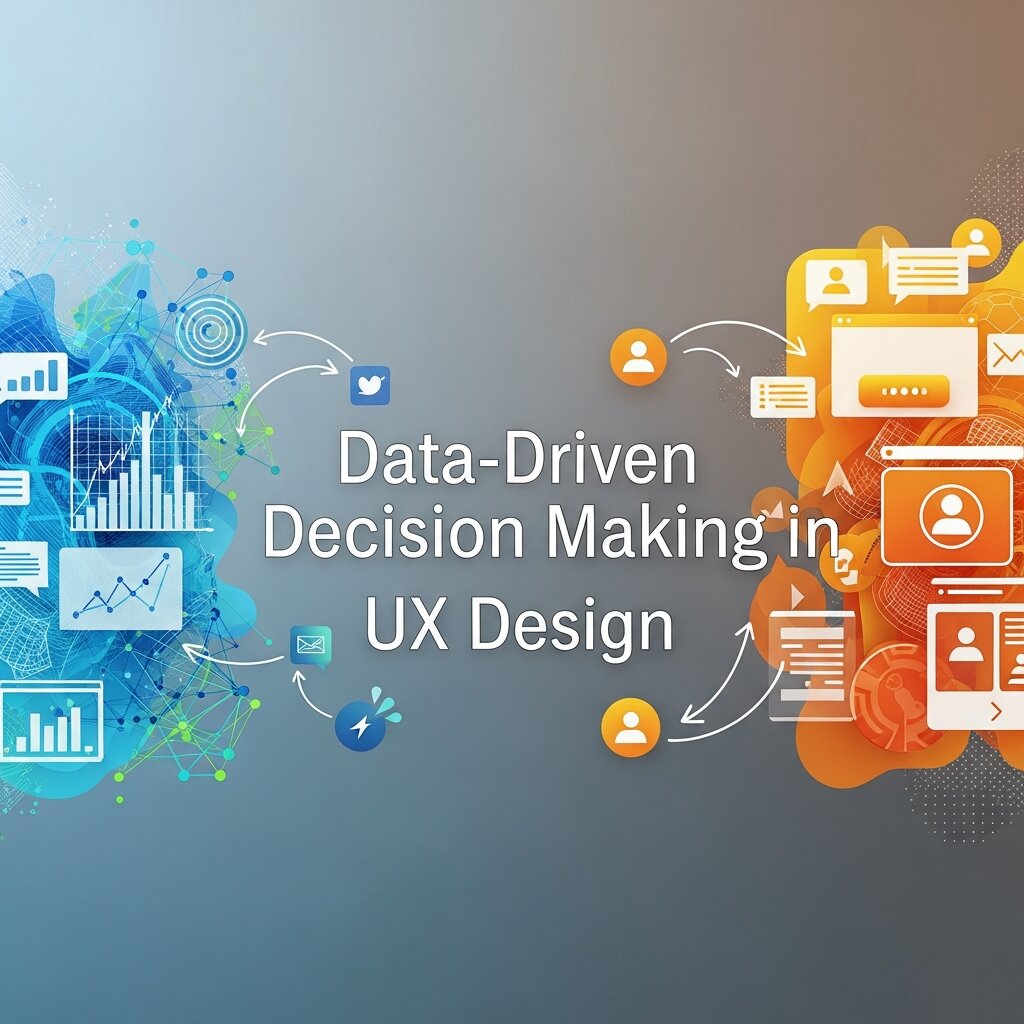 One of the most powerful advantages of AI in UX design is its ability to support data-driven decision making. Instead of relying solely on intuition, designers can now use real user behavior data to guide their choices. AI tools analyze metrics such as click patterns, scroll depth, and interaction heatmaps to identify usability issues. This allows designers to make informed improvements that enhance user satisfaction and engagement. Data-driven insights also help validate design decisions during stakeholder presentations, making it easier to justify changes. By combining creativity with analytical feedback, designers can create experiences that are not only visually appealing but also highly effective and user-centered.
Future Skills Required for UI/UX Designers
As AI continues to evolve, the skill set required for UI/UX designers is also changing. Traditional skills like layout design, typography, and visual hierarchy remain essential, but new competencies are becoming equally important. Designers must now understand how to work with AI tools, interpret data insights, and integrate automation into their workflows. Critical thinking and problem-solving skills are becoming more valuable than manual execution alone. Additionally, adaptability is key, as design technologies are evolving rapidly. Future designers will need to combine creativity with technical awareness, ensuring they can collaborate effectively with AI systems while maintaining strong human-centered design principles.
Frequently Asked Questions
Will artificial intelligence replace UI and UX designers?
No. While automation will handle many technical and repetitive tasks, the core of UX design is understanding human psychology and business goals. AI lacks empathy, strategic thinking, and the ability to understand complex social contexts. Designers who learn to use these tools will simply become much faster and more effective at their jobs.
Are these tools suitable for design beginners?
Absolutely. Many of these platforms have very low learning curves and are designed to be intuitive. For beginners, they serve as excellent educational resources. By observing how Uizard structures a wireframe or how Fontjoy pairs typography, new designers can learn best practices and industry standards quickly.
How do these platforms improve accessibility?
Several platforms have built-in accessibility checkers. For example, tools that generate color palettes often include contrast ratio scores to ensure text is readable for users with visual impairments. Predictive heatmaps can also highlight if crucial navigation elements are too obscure or difficult to locate, helping you build more inclusive interfaces.
Frequently Asked Questions (FAQ)
What are AI tools for UI/UX design?
AI tools for UI/UX design are software platforms that use artificial intelligence to assist designers in creating user interfaces and improving user experiences. These tools can generate wireframes, suggest layouts, create color palettes, optimize typography, and analyze user behavior.
How do AI tools improve UI/UX design workflow?
AI tools improve workflow by automating time-consuming tasks such as wireframing, layout creation, and design testing. They also help generate multiple design variations instantly, allowing designers to compare options and choose the best one. In addition, AI can analyze user behavior data to highlight usability issues and suggest improvements.
Can AI replace UI/UX designers?
No, AI cannot replace UI/UX designers. While AI can handle repetitive tasks and provide useful suggestions, it lacks human creativity, empathy, and strategic thinking. UX design requires understanding human emotions, business goals, and complex user behavior, which AI cannot fully interpret. Instead, AI works as a support tool that enhances a designer’s capabilities, making them more productive and efficient.
Are AI UI/UX tools suitable for beginners?
Yes, most AI UI/UX tools are beginner-friendly and easy to use. Many platforms are designed with simple interfaces that help new designers quickly generate layouts, color schemes, and prototypes. Beginners can also learn design principles by analyzing AI-generated outputs.
What are the most common features of AI design tools?
Most AI design tools include features such as text-to-design generation, automated wireframing, predictive heatmaps, color palette creation, typography pairing, and UX writing assistance. Some advanced tools also offer user behavior analysis and integration with design platforms like Figma.
Elevate Your Design Process Today
The landscape of digital product creation is evolving rapidly. By embracing the best ai tools for ui ux design, you position yourself at the forefront of this shift. You gain the ability to prototype faster, test smarter, and build interfaces that deeply resonate with your users.
Take the time to experiment with the platforms mentioned in this guide. Sign up for free trials, run your existing designs through their systems, and observe how they change your approach to problem-solving. When you let technology handle the mundane tasks, you free up your mind to focus on what truly matters: crafting exceptional, human-centric experiences.